Free 3D
 3D Print Models
 3D Scans
 Animation & MoCap
 Textures
 Materials
 Skin Reference
 2D Game Assets
 Sound Effects
 Brushes & Tools
 Reference Photos
 Stock Images
 HDR Images
 3ds Max
 Maya
 Blender
 Unreal Engine
 Unity
 ZBrush
 Cinema 4D
 LightWave
 Marmoset
 SketchUp
 FBX
 DAE
 DXF
 GLB

! REPORT

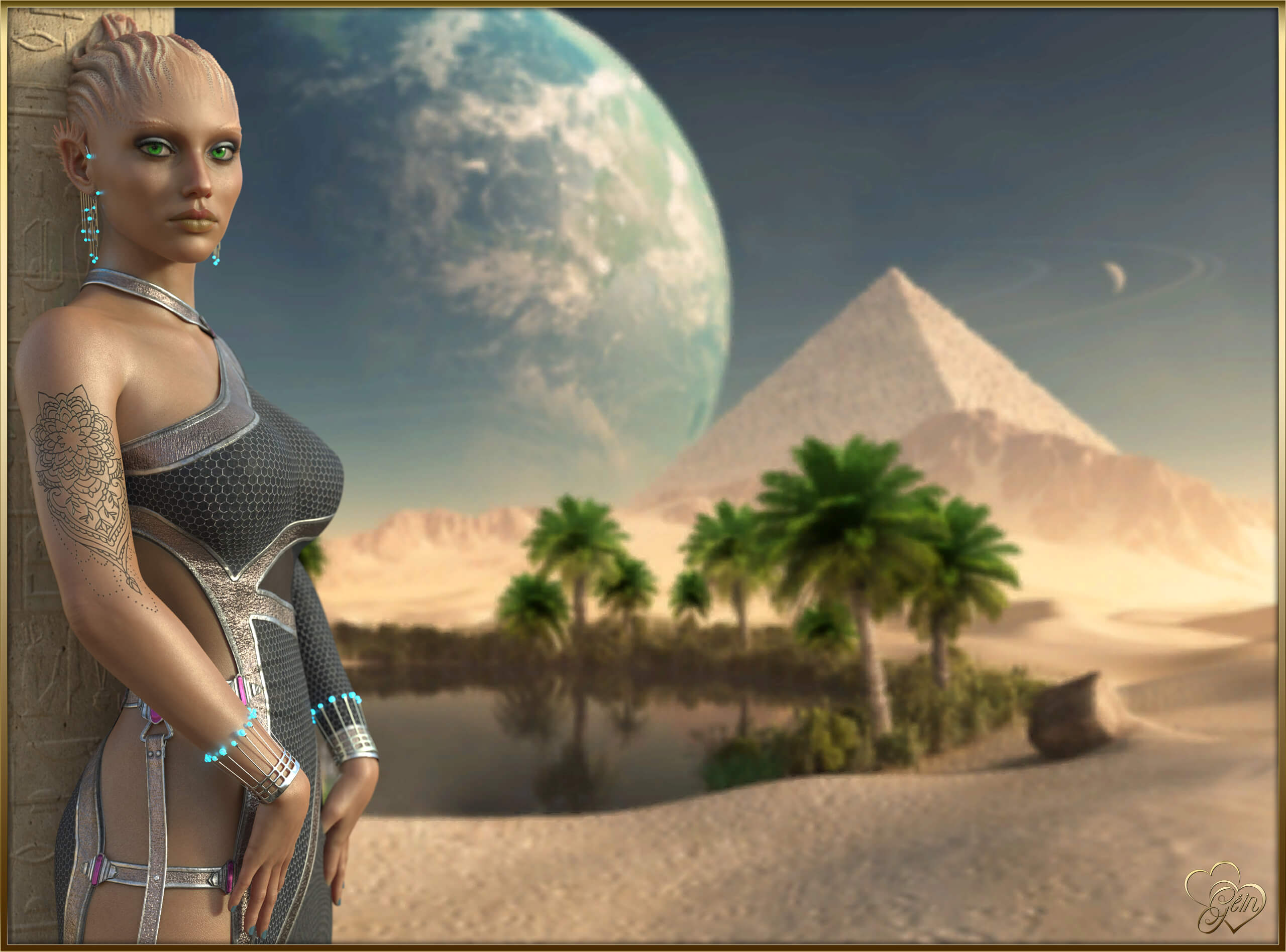
THE BEAUTIFUL NEEYA...
3D Render by GeinDia duit, mo chairde!
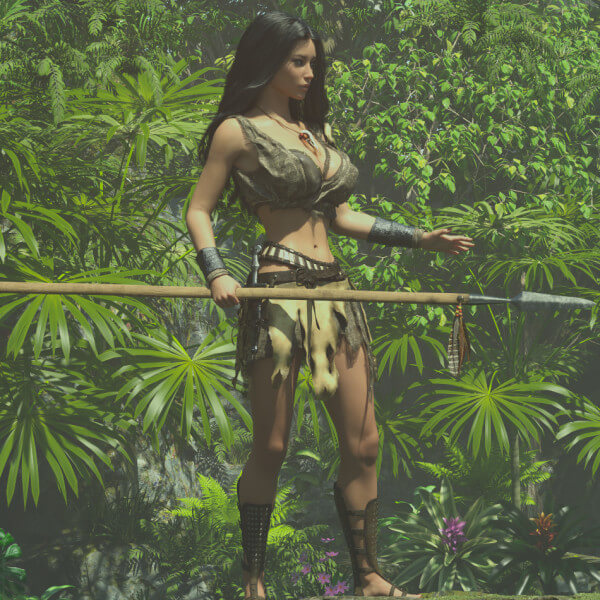
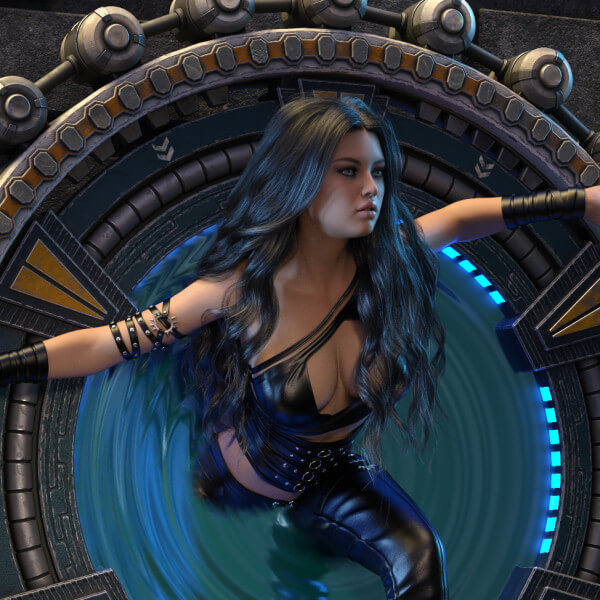
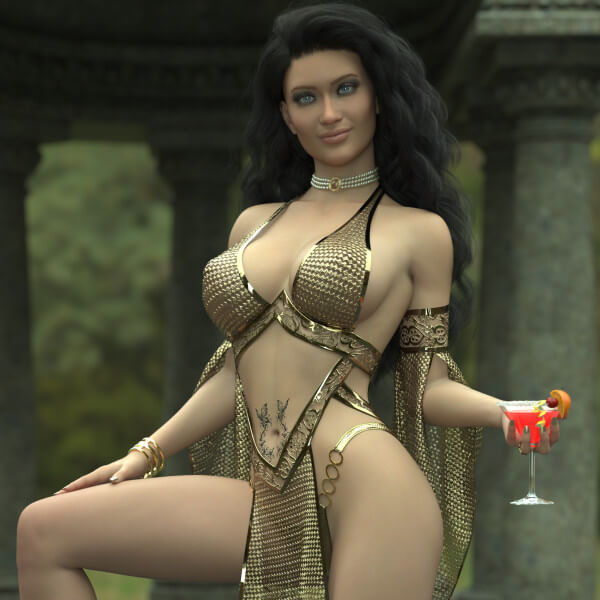
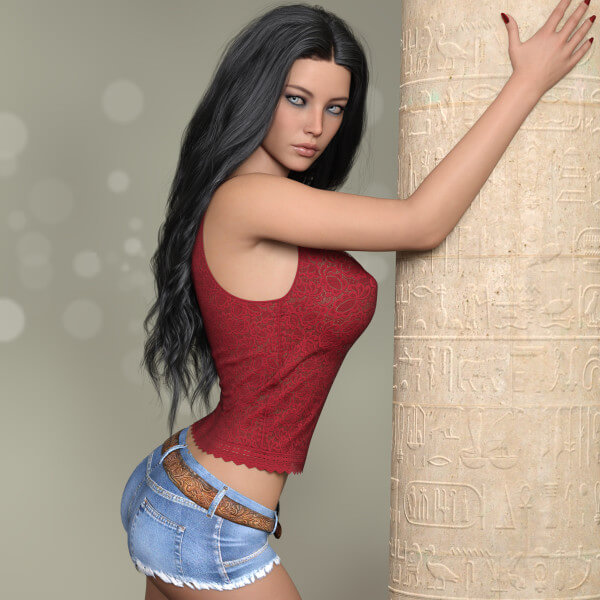
Here's another scene of my favourite Alien Girl, Neeya.
I've been trying to figure out a decent way to blend a 3D character into a 2D background without using that domb-ass Primitive Plane contraption that drives me around the bend. After a bit of experimenting with the lighting and some depth of field wizardry, I think I've finally cracked it.
Of course, having a gorgeous model like Neeya doing all the hard work certainly helps!
I hope you enjoy her as much as I do.
Gein
Here's another scene of my favourite Alien Girl, Neeya.
I've been trying to figure out a decent way to blend a 3D character into a 2D background without using that domb-ass Primitive Plane contraption that drives me around the bend. After a bit of experimenting with the lighting and some depth of field wizardry, I think I've finally cracked it.
Of course, having a gorgeous model like Neeya doing all the hard work certainly helps!
I hope you enjoy her as much as I do.
Gein

This is stunning! I think you have mastered the Primitive Plane contraption! Are using a plane or the environment pane backdrop for the background? Neeya is lovely. She blends perfectly into the scene here.
REPLY
! REPORT
Gein
Karma: 2,861
Fri, Nov 06Hello Mate!
Like I said, I hate that Primitive Plane thing. So I went looking for another way and found the Environment method a whole lot easier. The best part is that you can use just about anything you like!
The trick, I think, is not to leave the image too sharp, and to remember to crop it to the aspect ratio you're using. Once you have it open in Photoshop, you can do whatever you like with it. A little Gaussian Blur, for example, can work wonders if it suits your taste.
Have a play with the lighting as well under Enhance → Adjust Lighting → Brightness/Contrast, and experiment with whatever settings give you the look you're after. But I'm sure I don't have to tell someone like you how to use Photoshop, right?
Thank you for the lovely comments!
Your Friend,
Gein
Like I said, I hate that Primitive Plane thing. So I went looking for another way and found the Environment method a whole lot easier. The best part is that you can use just about anything you like!
The trick, I think, is not to leave the image too sharp, and to remember to crop it to the aspect ratio you're using. Once you have it open in Photoshop, you can do whatever you like with it. A little Gaussian Blur, for example, can work wonders if it suits your taste.
Have a play with the lighting as well under Enhance → Adjust Lighting → Brightness/Contrast, and experiment with whatever settings give you the look you're after. But I'm sure I don't have to tell someone like you how to use Photoshop, right?
Thank you for the lovely comments!
Your Friend,
Gein



THE BEAUTIFUL NEEYA...
 x1 [+]

Thu, Nov 05 69

 8
6922
8
Add to Collection

22 Likes
Share This Render


Software Used
 Adobe Photoshop
 Daz Studio
Artist Stats
Member Since:
Karma:
Followers:
Likes Received:
Karma:
Followers:
Likes Received:
Sep, 2026
2,861
26
833
2,861
26
833
Gallery Images:
Wallpaper Images:
Forum Topics:
Marketplace Items:
Wallpaper Images:
Forum Topics:
Marketplace Items:
46
0
0
0
0
0
0

90

14

3