Free 3D
 3D Print Models
 3D Scans
 Animation & MoCap
 Textures
 Materials
 Skin Reference
 2D Game Assets
 Sound Effects
 Brushes & Tools
 Reference Photos
 Stock Images
 HDR Images
 3ds Max
 Maya
 Blender
 Unreal Engine
 Unity
 ZBrush
 Cinema 4D
 LightWave
 Marmoset
 SketchUp
 FBX
 DAE
 DXF
 GLB

! REPORT

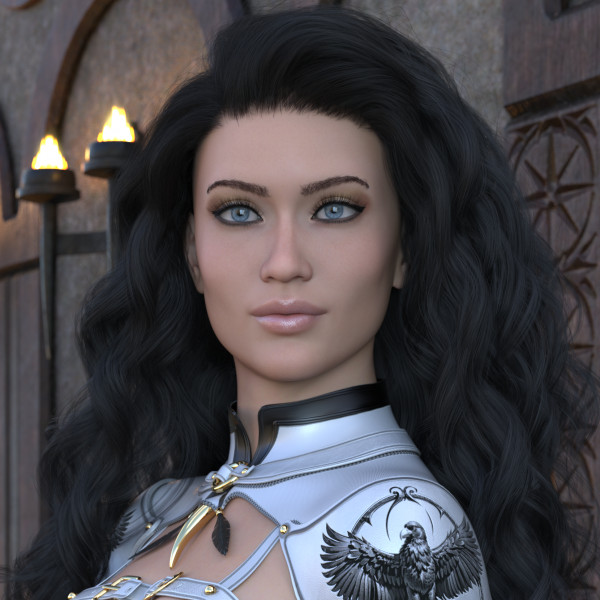
THE BEAUTIFUL CARAGH.
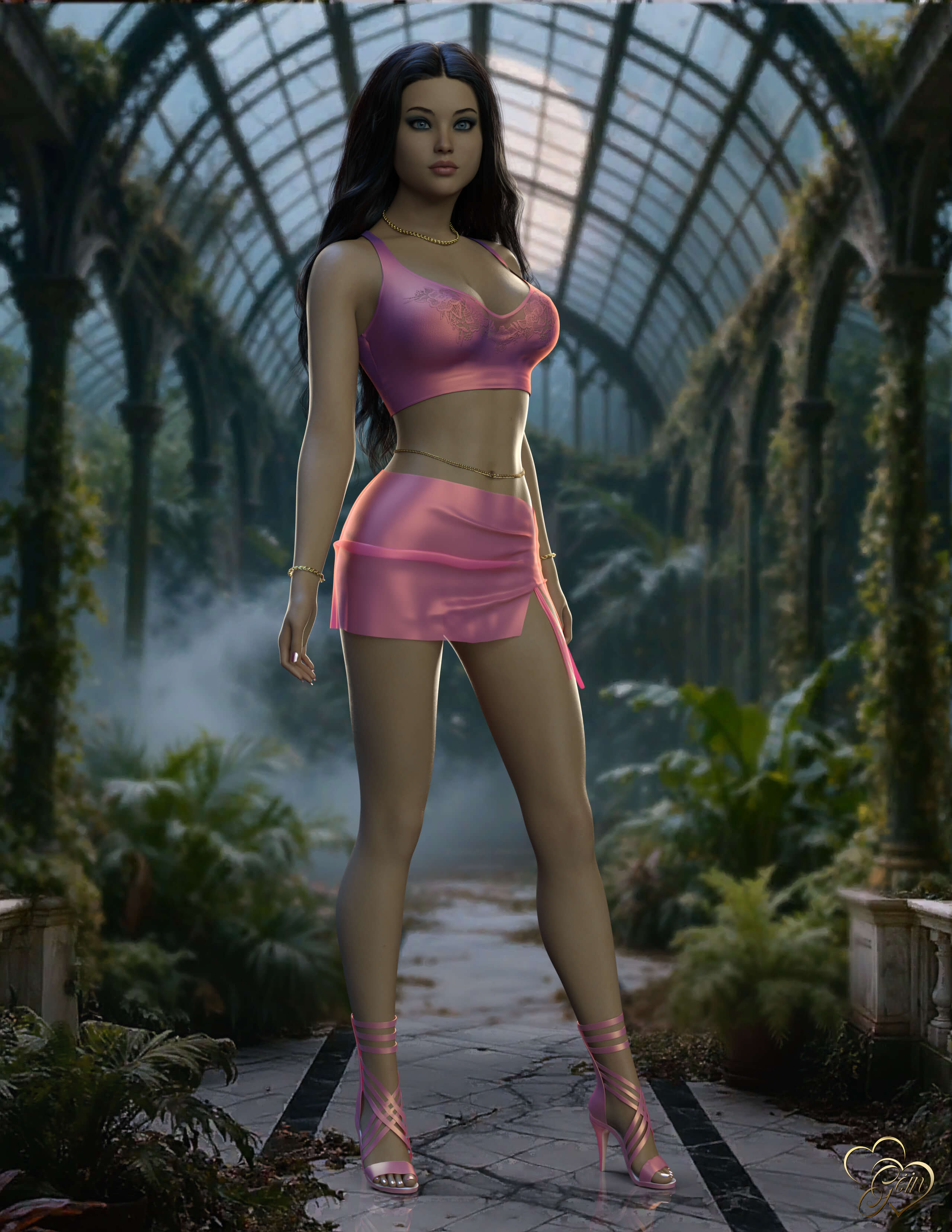
3D Render by GeinThe Beautiful Caragh (pronounced "Cara" in English)
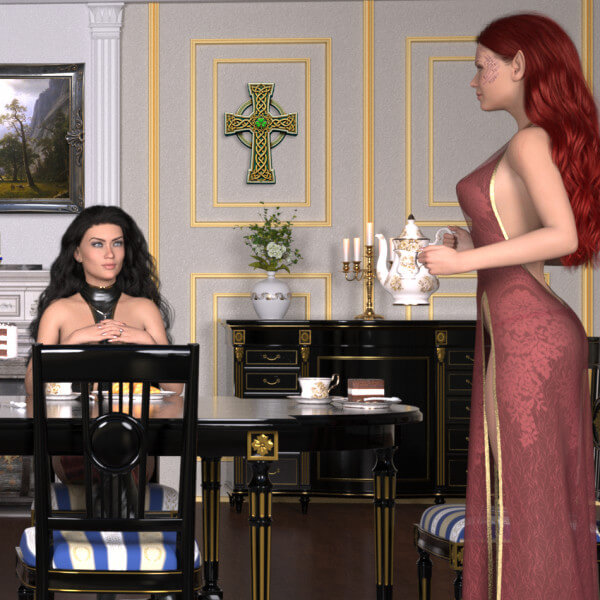
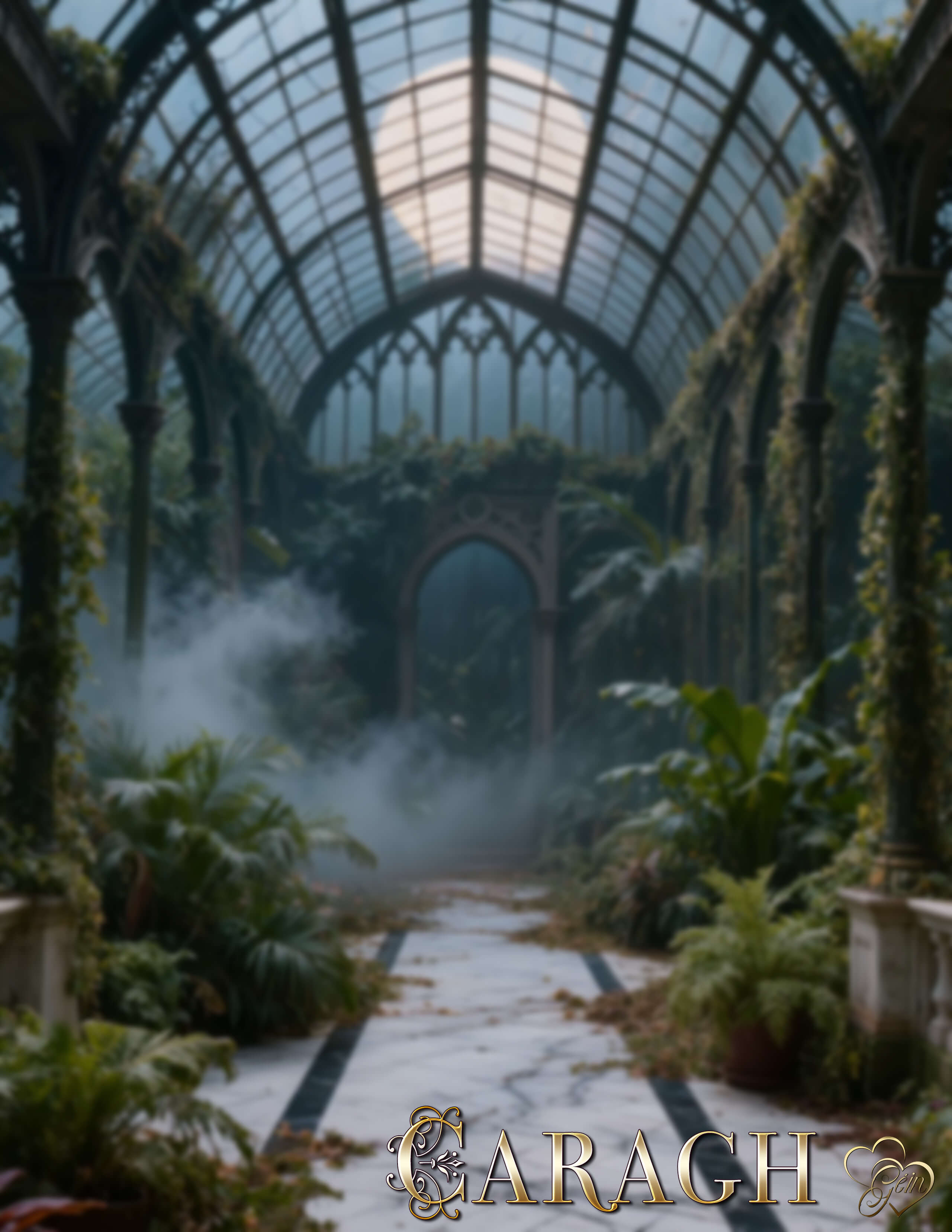
I placed this beautiful young lady in one of Dreamlight's wonderful Gothic backgrounds, or backdrops if you prefer.
Of course, I couldn't leave well enough alone and ended up tinkering with it again!
Lately I've been amusing myself by trying to create a convincing Depth of Field effect in these scenes. As most of you know, you don't get true DOF when using Environments instead of that Primitive Plane gizmo... which I still thoroughly dislike!
My first attempt was simple enough. I cropped the background to match the aspect ratio of the render and applied a Gaussian Blur. The result certainly looked like DOF... but it blurred everything and wasn't quite what I had in mind.
After a bit of trial and error, I separated the area around Caragh's feet, leaving that section sharp while blurring the rest of the background. That did the trick beautifully and gave me the effect I was looking for.
The other option was the old Photoshop gradient blur method. I gave that a go as well, but to my eye it looked rather terrible!
In the end, after a little experimentation and a fair amount of fiddling, I finally got it the way I wanted.
I hope you like the result as much as I enjoyed creating it.
Sláinte, a chairde!
I placed this beautiful young lady in one of Dreamlight's wonderful Gothic backgrounds, or backdrops if you prefer.
Of course, I couldn't leave well enough alone and ended up tinkering with it again!
Lately I've been amusing myself by trying to create a convincing Depth of Field effect in these scenes. As most of you know, you don't get true DOF when using Environments instead of that Primitive Plane gizmo... which I still thoroughly dislike!
My first attempt was simple enough. I cropped the background to match the aspect ratio of the render and applied a Gaussian Blur. The result certainly looked like DOF... but it blurred everything and wasn't quite what I had in mind.
After a bit of trial and error, I separated the area around Caragh's feet, leaving that section sharp while blurring the rest of the background. That did the trick beautifully and gave me the effect I was looking for.
The other option was the old Photoshop gradient blur method. I gave that a go as well, but to my eye it looked rather terrible!
In the end, after a little experimentation and a fair amount of fiddling, I finally got it the way I wanted.
I hope you like the result as much as I enjoyed creating it.
Sláinte, a chairde!


THE BEAUTIFUL CARAGH.
 x1 [+]

19 Hours ago 31

 2
3111
2
Add to Collection

11 Likes
Share This Render


Software Used
 Adobe Photoshop
 Daz Studio
Marketplace Items Used
Artist Stats
Member Since:
Karma:
Followers:
Likes Received:
Karma:
Followers:
Likes Received:
Sep, 2026
2,959
26
852
2,959
26
852
Gallery Images:
Wallpaper Images:
Forum Topics:
Marketplace Items:
Wallpaper Images:
Forum Topics:
Marketplace Items:
47
0
0
0
0
0
0

94

16

3