Free 3D
 3D Print Models
 3D Scans
 Animation & MoCap
 Textures
 Materials
 Skin Reference
 2D Game Assets
 Sound Effects
 Brushes & Tools
 Reference Photos
 Stock Images
 HDR Images
 3ds Max
 Maya
 Blender
 Unreal Engine
 Unity
 ZBrush
 Cinema 4D
 LightWave
 Marmoset
 SketchUp
 FBX
 DAE
 DXF
 GLB

! REPORT

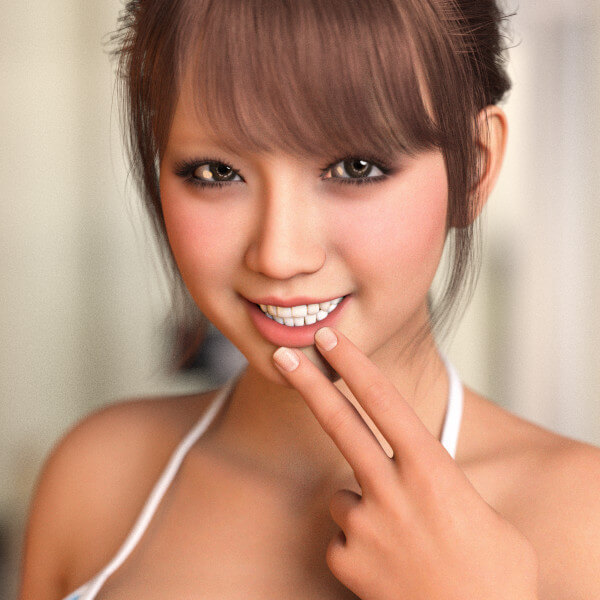
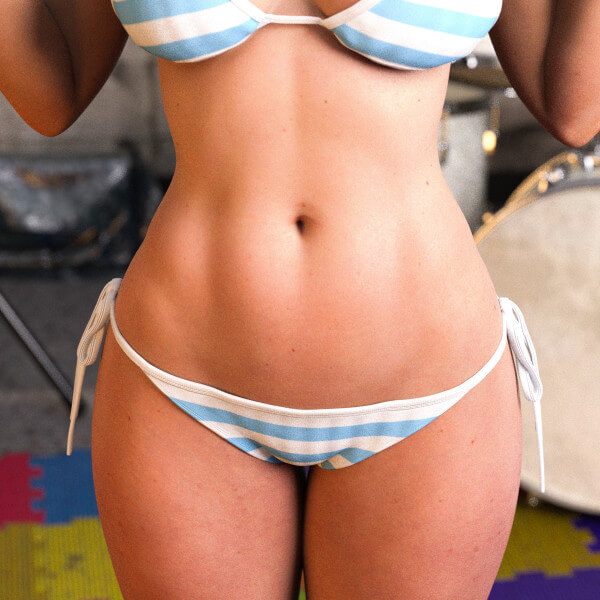
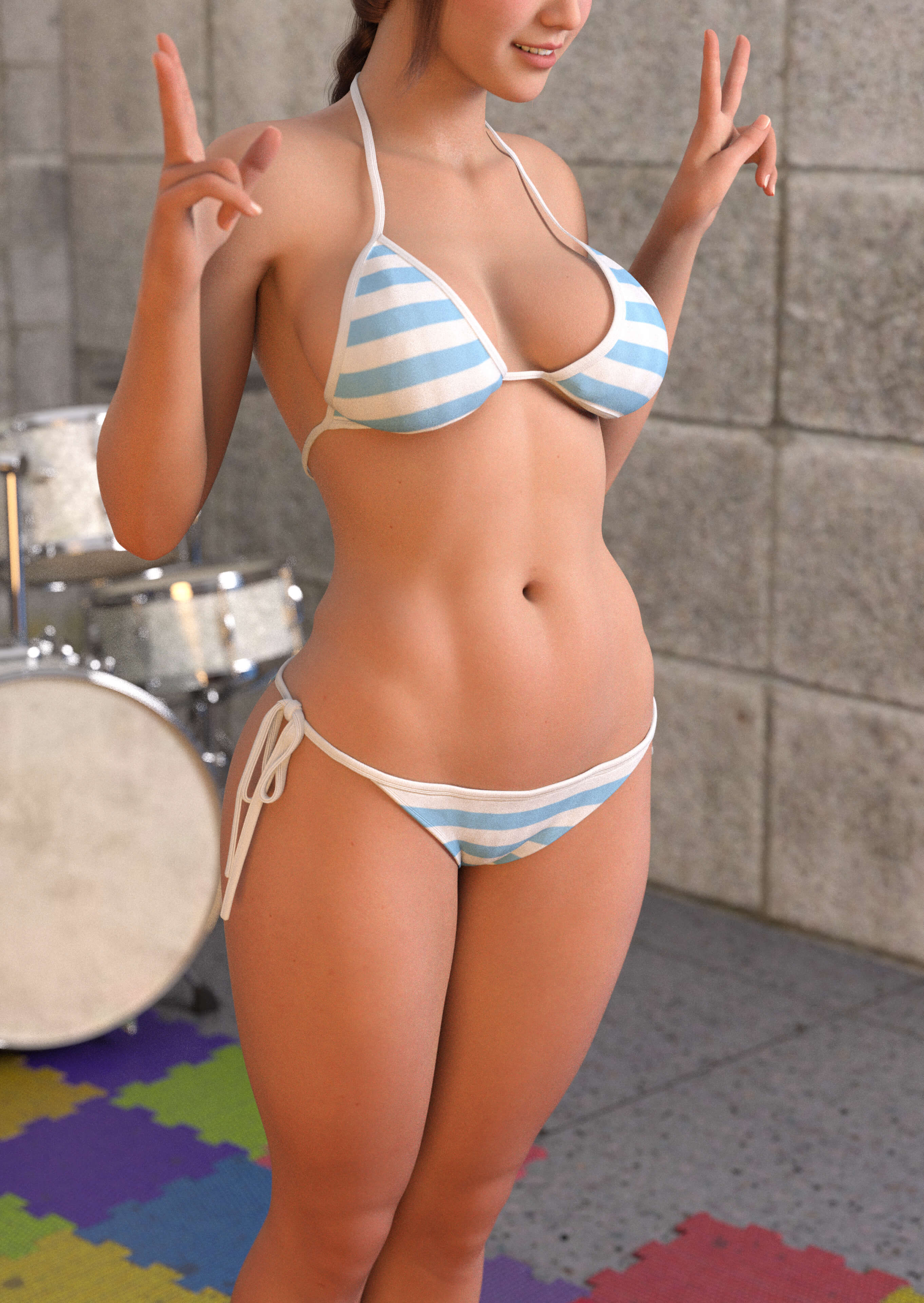
Akari Aizawa (Coming Soon for Sale) - Body Shape and Iray Surfaces
3D Render by snakeskinjkt### Akari Aizawa – Body Shape & Iray Surfaces
I've been working on a body shape that looks natural both with and without clothing, without needing to switch between different shapes.
I've paid special attention to the softness and natural weight of the breasts, underarms, belly, and waist. My main goal is to avoid that typical "3D doll" look.
She actually has quite a curvy figure, especially around the thighs. However, I've carefully balanced her proportions so she can still handle dynamic and even acrobatic poses.
I've also kept her body shape compatible with third-party add-ons and HD morphs, giving artists more freedom to customize her.
### About the Iray Surfaces
The images shown here are straight from the renderer, with no post-processing at all.
I always try to create surfaces that need little to no editing after rendering.
When I do make adjustments, they're usually just brightness and contrast. It's often faster and easier than adding extra lights to the scene, and helps avoid disturbing the overall lighting balance.
I've designed the surfaces to respond naturally and predictably to light, so small lighting imperfections can be corrected with simple adjustments afterward.
My approach is a little different from the usual DAZ material setup. I don't treat the standard way of using each map as a strict rule. Instead, I focus mainly on getting the surface parameter values right.
The interesting part is how well these settings work with different textures and maps.
For this project, I actually replaced all the maps and textures, including the Base Color skin texture, but barely had to touch the surface values I'd already fine-tuned.
As long as the new skin texture has natural colors, I can still get realistic results with very little effort.
I've also intentionally kept the skin contrast a little softer. I could bring out even more detail in certain close-ups, but I prefer to maintain a natural balance with her Japanese facial features.
DAZ Studio's Iray surface settings can be incredibly complicated. Sometimes I wonder if anyone really understands every single parameter!
That's why I prefer keeping things simple, with surfaces that are easy to control and flexible enough to work with different textures.
My goal is to create a figure that looks beautiful at any distance, from full-body shots to extreme close-ups, while remaining easy to light and render.
There's always room for more fine-tuning, but I believe good surfaces should make rendering easier, not more complicated.
I've been working on a body shape that looks natural both with and without clothing, without needing to switch between different shapes.
I've paid special attention to the softness and natural weight of the breasts, underarms, belly, and waist. My main goal is to avoid that typical "3D doll" look.
She actually has quite a curvy figure, especially around the thighs. However, I've carefully balanced her proportions so she can still handle dynamic and even acrobatic poses.
I've also kept her body shape compatible with third-party add-ons and HD morphs, giving artists more freedom to customize her.
### About the Iray Surfaces
The images shown here are straight from the renderer, with no post-processing at all.
I always try to create surfaces that need little to no editing after rendering.
When I do make adjustments, they're usually just brightness and contrast. It's often faster and easier than adding extra lights to the scene, and helps avoid disturbing the overall lighting balance.
I've designed the surfaces to respond naturally and predictably to light, so small lighting imperfections can be corrected with simple adjustments afterward.
My approach is a little different from the usual DAZ material setup. I don't treat the standard way of using each map as a strict rule. Instead, I focus mainly on getting the surface parameter values right.
The interesting part is how well these settings work with different textures and maps.
For this project, I actually replaced all the maps and textures, including the Base Color skin texture, but barely had to touch the surface values I'd already fine-tuned.
As long as the new skin texture has natural colors, I can still get realistic results with very little effort.
I've also intentionally kept the skin contrast a little softer. I could bring out even more detail in certain close-ups, but I prefer to maintain a natural balance with her Japanese facial features.
DAZ Studio's Iray surface settings can be incredibly complicated. Sometimes I wonder if anyone really understands every single parameter!
That's why I prefer keeping things simple, with surfaces that are easy to control and flexible enough to work with different textures.
My goal is to create a figure that looks beautiful at any distance, from full-body shots to extreme close-ups, while remaining easy to light and render.
There's always room for more fine-tuning, but I believe good surfaces should make rendering easier, not more complicated.
Akari Aizawa (Coming Soon for Sale) - Body Shape and Iray Surfaces
[+] Give Award


Sun, Nov 01 110

 0
11013
0
Add to Collection

13 Likes
Share This Render


Software Used
 Daz Studio

Artist Stats
Member Since:
Karma:
Followers:
Likes Received:
Karma:
Followers:
Likes Received:
Mar, 2024
1,104
18
559
1,104
18
559
Gallery Images:
Wallpaper Images:
Forum Topics:
Marketplace Items:
Wallpaper Images:
Forum Topics:
Marketplace Items:
51
0
0
1
0
0
1

37

6

1