


 Free 3D
 3D Print Models
 3D Scans
 Animation & MoCap
 Textures
 Materials
 Skin Reference
 2D Game Assets
 Sound Effects
 Brushes & Tools
 Reference Photos
 Stock Images
 HDR Images
 3ds Max
 Maya
Maya Blender
 Unreal Engine
 Unity
Unity ZBrush
 Cinema 4D
 LightWave
 Marmoset
 SketchUp
 FBX
FBX DAE
DAE DXF
DXF GLB
GLBAIRE Render Event 2026 - Make Us Feel Something
 761
761Thread Activity
hugomorate5 Hours ago
FraxuredDreamz6 Hours ago
Dreamlight10 Hours ago
hugomorateFri, Oct 16
DreamlightThu, Oct 15
FraxuredDreamzWed, Oct 14
DreamlightWed, Oct 14
FraxuredDreamzWed, Oct 14

AIRE Render Event 2026 - Make Us Feel Something - October 8, 2026 - November 15, 2026
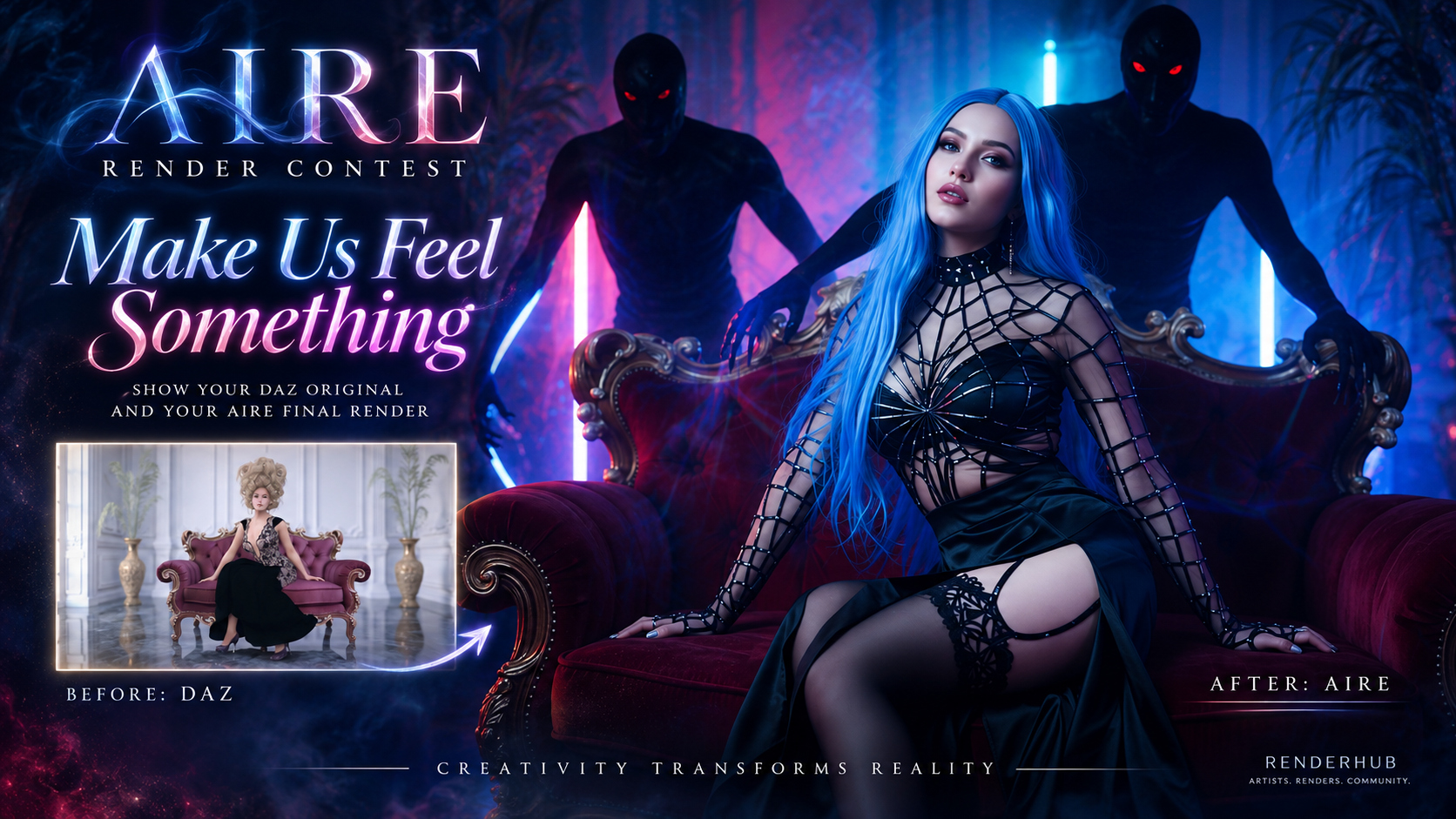
Welcome to the AIRE Render Event 2026!
This event is all about taking a DAZ Studio render and seeing where AIRE can take it.
The theme is simple:
MAKE US FEEL SOMETHING.
There is no required genre, subject, character type, environment or visual style.
Your image can be beautiful, dramatic, strange, funny, haunting, powerful, peaceful, shocking, cinematic, emotional, surreal, elegant, dark, colorful or completely unexpected.
We simply want you to create something that makes us stop scrolling for a moment.
Make us look twice.
Make us feel something.
----------------------------------------
HOW TO ENTER
----------------------------------------
1. Create a NEW DAZ Studio render during the event period.
2. Use AIRE to transform, enhance, reinterpret or edit that render.
3. Post your FINAL AIRE image first.
4. Directly underneath it, post the ORIGINAL DAZ Studio render that you started from.
5. Post your final image to the RenderHub Gallery and include the gallery link in your contest entry.
6. Clearly state that AIRE was used. Please also follow RenderHub's current AI / AI-assisted image disclosure rules when posting to the gallery.
7. You may optionally tell us which AIRE mode, settings, Extension or Edit Direction you used, but you are NOT required to reveal your prompts.
8. Include the name or link of the eligible Dreamlight product you would like to receive as your participation reward.
IMPORTANT:
The FINAL AIRE render must be posted first, with the ORIGINAL DAZ render shown underneath it.
We want everyone to immediately see the finished artwork, then see where it began.
The final image does NOT need to be a pixel-perfect copy of the DAZ original.
You are welcome to change lighting, atmosphere, pose, mood, framing, styling, environment details, add or alter elements, use AIRE Edit, use AIRE Extensions, and generally push the image creatively.
However, the final image should still clearly originate from the DAZ render you submit as the original.
----------------------------------------
AIRE IS REQUIRED
----------------------------------------
This is an AIRE event, so AIRE must be used to create the final image.
AIRE Extensions are allowed, but they are NOT required.
You do NOT need to use any other Dreamlight product.
You may use any DAZ Studio content you legally own or are permitted to use.
The purpose of the event is to showcase what YOU can create when DAZ Studio and AIRE are used together.
----------------------------------------
NEW WORK ONLY
----------------------------------------
Your entry must be created during this event.
Please do not submit an old gallery render, an image created years ago, or an old finished artwork that has simply been run through AIRE for the contest.
The DAZ original and the AIRE final should be part of a new creative project made during the event period.
----------------------------------------
THEME: MAKE US FEEL SOMETHING
----------------------------------------
The theme is deliberately broad.
There is no required story, genre or subject.
We are looking for images with impact.
That impact can come from beauty, atmosphere, emotion, humor, tension, drama, mystery, tenderness, fear, wonder, absurdity, elegance, loneliness, power, serenity, darkness, light, or anything else you can imagine.
A subtle transformation can be just as effective as a dramatic one.
This is NOT a contest for "who can change the DAZ render the most."
It is about using AIRE creatively to produce a finished image that connects with the viewer.
----------------------------------------
NUDITY / MATURE CONTENT
----------------------------------------
Artistic nudity is allowed, provided the entry follows RenderHub's current gallery and forum policies.
Erotic or sexually explicit themes are NOT allowed in this event.
If your image includes nudity or mature content, please make sure it is presented and tagged appropriately according to RenderHub's current rules.
If an entry does not comply with RenderHub policy, it cannot qualify for the event.
----------------------------------------
NUMBER OF ENTRIES
----------------------------------------
You may submit up to THREE entries per person.
Each entry must be a separate, newly created artwork.
Submitting more than one entry gives you more opportunities to show your work, but participation rewards are limited to ONE free product per person.
----------------------------------------
EVERY QUALIFYING PARTICIPANT GETS A FREE PRODUCT
----------------------------------------
Everyone who submits at least one qualifying entry will receive ONE free eligible Dreamlight product.
The free product may be selected from the following categories:
- Props and DAZ Scenes
- HDRI Maps
- Cinematic AI Background Packs
- Instant Extras
The selected prize must be a SINGLE product.
Bundles are NOT eligible.
AIRE, AIRE Extensions and AIRE Elements are not part of the prize pool.
Dreamlight may exclude individual newly released premium products from the prize pool if necessary.
Only one participation reward is available per person, regardless of whether you submit one, two or three entries.
----------------------------------------
WINNER PRIZES
----------------------------------------
In addition to the participation reward, the top three entries will receive additional free Dreamlight products from the same eligible prize categories.
1ST PLACE
10 additional free products
2ND PLACE
5 additional free products
3RD PLACE
2 additional free products
So, for example, a qualifying 1st Place winner receives the normal participation product PLUS 10 additional eligible products.
There is no cash alternative for prizes.
----------------------------------------
HOW THE WINNERS WILL BE SELECTED
----------------------------------------
Entries will be judged on the overall artwork rather than on one single technical factor.
Things we will be looking at include:
- Emotional impact
- Creativity and originality
- Overall artistic presentation
- Quality of the final AIRE render
- How effectively AIRE was used
- The relationship between the original DAZ render and the final artwork
- How strongly the image fits the spirit of "Make Us Feel Something"
A dramatic transformation is not automatically better than a subtle one.
The strongest image is the one that works as a finished piece of art.
----------------------------------------
EVENT DATES
----------------------------------------
EVENT OPENS:
October 8, 2026
FINAL SUBMISSION DEADLINE:
November 15, 2026 at 11:59 PM CET
WINNERS ANNOUNCED:
No later than November 22, 2026
PRIZE DELIVERY:
All participation rewards and winner prizes will be delivered within 7 days after the winners are announced, no later than November 29, 2026.
----------------------------------------
HOW PRIZES WILL BE DELIVERED
----------------------------------------
Dreamlight will handle prize delivery manually after the event.
Please include your chosen participation product in your contest entry whenever possible.
After the event closes, qualifying participants and winners may be contacted through RenderHub private message to confirm their product selection(s), especially if a selected product is not eligible or if a winner needs to choose additional prizes.
Please allow up to 7 days after the winner announcement for all prize delivery to be completed.
----------------------------------------
QUICK ENTRY CHECKLIST
----------------------------------------
Before posting, make sure your entry includes:
- A NEW artwork created during the event
- AIRE used for the final image
- FINAL AIRE render posted FIRST
- ORIGINAL DAZ render posted directly underneath
- Final render posted to the RenderHub Gallery
- Gallery link included in your forum entry
- Correct RenderHub AI / mature-content disclosure where applicable
- Your chosen eligible participation prize
Maximum 3 entries per person.
One participation reward per person.
----------------------------------------
AIRE EXTENSIONS
----------------------------------------
AIRE Extensions may be used in the event, but they are completely optional.
If an Extension helps you create the image you want, use it.
If the standard AIRE workflow gives you exactly what you need, that is equally valid.
The contest is about the finished artwork, not about how many AIRE features you use.
----------------------------------------
A NOTE ABOUT BEFORE / AFTER
----------------------------------------
The before-and-after requirement is part of the fun.
AIRE can dramatically change the mood, realism, lighting, styling, environment, pose, visual storytelling and overall feeling of a render.
Showing both images lets everyone see the creative journey.
Please always post:
1. FINAL AIRE IMAGE
2. ORIGINAL DAZ IMAGE
in that order.
Final first. Before second.
Give us the "WOW" first, then show us where it started.
----------------------------------------
HAVE FUN
----------------------------------------
This is meant to be a creative event, not an exam.
Experiment.
Push AIRE.
Try something you normally would not try.
Make something beautiful.
Make something strange.
Make something funny.
Make something dark.
Make something emotional.
Just make us feel something.
We cannot wait to see what you create!
Have fun!
/Val, Dreamlight
Welcome to the AIRE Render Event 2026!
This event is all about taking a DAZ Studio render and seeing where AIRE can take it.
The theme is simple:
MAKE US FEEL SOMETHING.
There is no required genre, subject, character type, environment or visual style.
Your image can be beautiful, dramatic, strange, funny, haunting, powerful, peaceful, shocking, cinematic, emotional, surreal, elegant, dark, colorful or completely unexpected.
We simply want you to create something that makes us stop scrolling for a moment.
Make us look twice.
Make us feel something.
----------------------------------------
HOW TO ENTER
----------------------------------------
1. Create a NEW DAZ Studio render during the event period.
2. Use AIRE to transform, enhance, reinterpret or edit that render.
3. Post your FINAL AIRE image first.
4. Directly underneath it, post the ORIGINAL DAZ Studio render that you started from.
5. Post your final image to the RenderHub Gallery and include the gallery link in your contest entry.
6. Clearly state that AIRE was used. Please also follow RenderHub's current AI / AI-assisted image disclosure rules when posting to the gallery.
7. You may optionally tell us which AIRE mode, settings, Extension or Edit Direction you used, but you are NOT required to reveal your prompts.
8. Include the name or link of the eligible Dreamlight product you would like to receive as your participation reward.
IMPORTANT:
The FINAL AIRE render must be posted first, with the ORIGINAL DAZ render shown underneath it.
We want everyone to immediately see the finished artwork, then see where it began.
The final image does NOT need to be a pixel-perfect copy of the DAZ original.
You are welcome to change lighting, atmosphere, pose, mood, framing, styling, environment details, add or alter elements, use AIRE Edit, use AIRE Extensions, and generally push the image creatively.
However, the final image should still clearly originate from the DAZ render you submit as the original.
----------------------------------------
AIRE IS REQUIRED
----------------------------------------
This is an AIRE event, so AIRE must be used to create the final image.
AIRE Extensions are allowed, but they are NOT required.
You do NOT need to use any other Dreamlight product.
You may use any DAZ Studio content you legally own or are permitted to use.
The purpose of the event is to showcase what YOU can create when DAZ Studio and AIRE are used together.
----------------------------------------
NEW WORK ONLY
----------------------------------------
Your entry must be created during this event.
Please do not submit an old gallery render, an image created years ago, or an old finished artwork that has simply been run through AIRE for the contest.
The DAZ original and the AIRE final should be part of a new creative project made during the event period.
----------------------------------------
THEME: MAKE US FEEL SOMETHING
----------------------------------------
The theme is deliberately broad.
There is no required story, genre or subject.
We are looking for images with impact.
That impact can come from beauty, atmosphere, emotion, humor, tension, drama, mystery, tenderness, fear, wonder, absurdity, elegance, loneliness, power, serenity, darkness, light, or anything else you can imagine.
A subtle transformation can be just as effective as a dramatic one.
This is NOT a contest for "who can change the DAZ render the most."
It is about using AIRE creatively to produce a finished image that connects with the viewer.
----------------------------------------
NUDITY / MATURE CONTENT
----------------------------------------
Artistic nudity is allowed, provided the entry follows RenderHub's current gallery and forum policies.
Erotic or sexually explicit themes are NOT allowed in this event.
If your image includes nudity or mature content, please make sure it is presented and tagged appropriately according to RenderHub's current rules.
If an entry does not comply with RenderHub policy, it cannot qualify for the event.
----------------------------------------
NUMBER OF ENTRIES
----------------------------------------
You may submit up to THREE entries per person.
Each entry must be a separate, newly created artwork.
Submitting more than one entry gives you more opportunities to show your work, but participation rewards are limited to ONE free product per person.
----------------------------------------
EVERY QUALIFYING PARTICIPANT GETS A FREE PRODUCT
----------------------------------------
Everyone who submits at least one qualifying entry will receive ONE free eligible Dreamlight product.
The free product may be selected from the following categories:
- Props and DAZ Scenes
- HDRI Maps
- Cinematic AI Background Packs
- Instant Extras
The selected prize must be a SINGLE product.
Bundles are NOT eligible.
AIRE, AIRE Extensions and AIRE Elements are not part of the prize pool.
Dreamlight may exclude individual newly released premium products from the prize pool if necessary.
Only one participation reward is available per person, regardless of whether you submit one, two or three entries.
----------------------------------------
WINNER PRIZES
----------------------------------------
In addition to the participation reward, the top three entries will receive additional free Dreamlight products from the same eligible prize categories.
1ST PLACE
10 additional free products
2ND PLACE
5 additional free products
3RD PLACE
2 additional free products
So, for example, a qualifying 1st Place winner receives the normal participation product PLUS 10 additional eligible products.
There is no cash alternative for prizes.
----------------------------------------
HOW THE WINNERS WILL BE SELECTED
----------------------------------------
Entries will be judged on the overall artwork rather than on one single technical factor.
Things we will be looking at include:
- Emotional impact
- Creativity and originality
- Overall artistic presentation
- Quality of the final AIRE render
- How effectively AIRE was used
- The relationship between the original DAZ render and the final artwork
- How strongly the image fits the spirit of "Make Us Feel Something"
A dramatic transformation is not automatically better than a subtle one.
The strongest image is the one that works as a finished piece of art.
----------------------------------------
EVENT DATES
----------------------------------------
EVENT OPENS:
October 8, 2026
FINAL SUBMISSION DEADLINE:
November 15, 2026 at 11:59 PM CET
WINNERS ANNOUNCED:
No later than November 22, 2026
PRIZE DELIVERY:
All participation rewards and winner prizes will be delivered within 7 days after the winners are announced, no later than November 29, 2026.
----------------------------------------
HOW PRIZES WILL BE DELIVERED
----------------------------------------
Dreamlight will handle prize delivery manually after the event.
Please include your chosen participation product in your contest entry whenever possible.
After the event closes, qualifying participants and winners may be contacted through RenderHub private message to confirm their product selection(s), especially if a selected product is not eligible or if a winner needs to choose additional prizes.
Please allow up to 7 days after the winner announcement for all prize delivery to be completed.
----------------------------------------
QUICK ENTRY CHECKLIST
----------------------------------------
Before posting, make sure your entry includes:
- A NEW artwork created during the event
- AIRE used for the final image
- FINAL AIRE render posted FIRST
- ORIGINAL DAZ render posted directly underneath
- Final render posted to the RenderHub Gallery
- Gallery link included in your forum entry
- Correct RenderHub AI / mature-content disclosure where applicable
- Your chosen eligible participation prize
Maximum 3 entries per person.
One participation reward per person.
----------------------------------------
AIRE EXTENSIONS
----------------------------------------
AIRE Extensions may be used in the event, but they are completely optional.
If an Extension helps you create the image you want, use it.
If the standard AIRE workflow gives you exactly what you need, that is equally valid.
The contest is about the finished artwork, not about how many AIRE features you use.
----------------------------------------
A NOTE ABOUT BEFORE / AFTER
----------------------------------------
The before-and-after requirement is part of the fun.
AIRE can dramatically change the mood, realism, lighting, styling, environment, pose, visual storytelling and overall feeling of a render.
Showing both images lets everyone see the creative journey.
Please always post:
1. FINAL AIRE IMAGE
2. ORIGINAL DAZ IMAGE
in that order.
Final first. Before second.
Give us the "WOW" first, then show us where it started.
----------------------------------------
HAVE FUN
----------------------------------------
This is meant to be a creative event, not an exam.
Experiment.
Push AIRE.
Try something you normally would not try.
Make something beautiful.
Make something strange.
Make something funny.
Make something dark.
Make something emotional.
Just make us feel something.
We cannot wait to see what you create!
Have fun!
/Val, Dreamlight


! REPORT
Quick note: AIRE is required to participate in the event.
You can find AIRE here:
https://www.renderhub.com/dreamlight/aire-ai-render-engine-daz-studio
AIRE Extensions are welcome, but completely optional.
You can find AIRE here:
https://www.renderhub.com/dreamlight/aire-ai-render-engine-daz-studio
AIRE Extensions are welcome, but completely optional.
REPLY
! REPORT

DustRider
Karma: 2,157
Fri, Oct 09I'm guessing that you want the raw AIRE render without post work, or can we do post work on our entry(s)? For me it would be very simple post work to help the dramatic effect by adjusting levels and adding a vignette.
DustRider
Karma: 2,157
Fri, Oct 09Oh wow, I just found out I can add some vignette via prompting. But I would still like to know if it's ok because there is a render that I might enter that would benefit from it.
Dreamlight
Karma: 24,191
Sun, Oct 11Absolutely! Some post work is perfectly fine... 
We'd just like to keep it relatively subtle, such as color grading, lighting adjustments, cropping, sharpening, and minor touch-ups.
The idea is to showcase what you can create with AIRE, so we'd prefer to avoid extensive AI-generated modifications or replacing major parts of the image using other tools.
In short, let AIRE do the heavy lifting, then feel free to add your finishing artistic touches!
We'd just like to keep it relatively subtle, such as color grading, lighting adjustments, cropping, sharpening, and minor touch-ups.
The idea is to showcase what you can create with AIRE, so we'd prefer to avoid extensive AI-generated modifications or replacing major parts of the image using other tools.
In short, let AIRE do the heavy lifting, then feel free to add your finishing artistic touches!


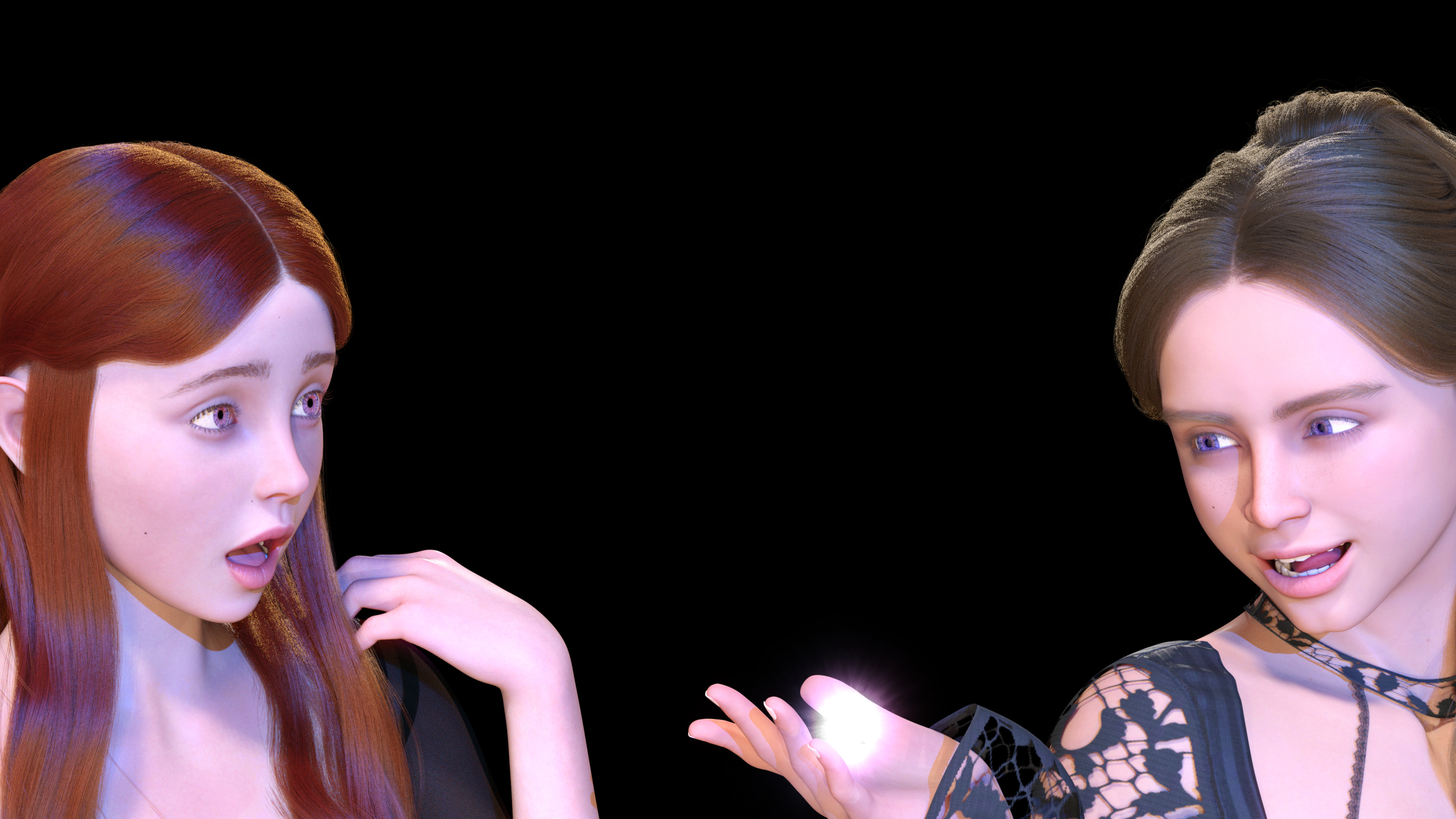


Cool idea, Dreamlight!
I don't use AIRE, but this looks like it's going to be fun. I'm looking forward to seeing everyone's posts.
I don't use AIRE, but this looks like it's going to be fun. I'm looking forward to seeing everyone's posts.
REPLY
! REPORT
Dreamlight
Karma: 24,191
Thu, Oct 08Hey, thanks a bunch! Yeah, this can turn pretty cool, nasty or plain surreal... What have I started? lol

In the spirt of Halloween
AIRE Contest Submission 01 - I want to play a game.
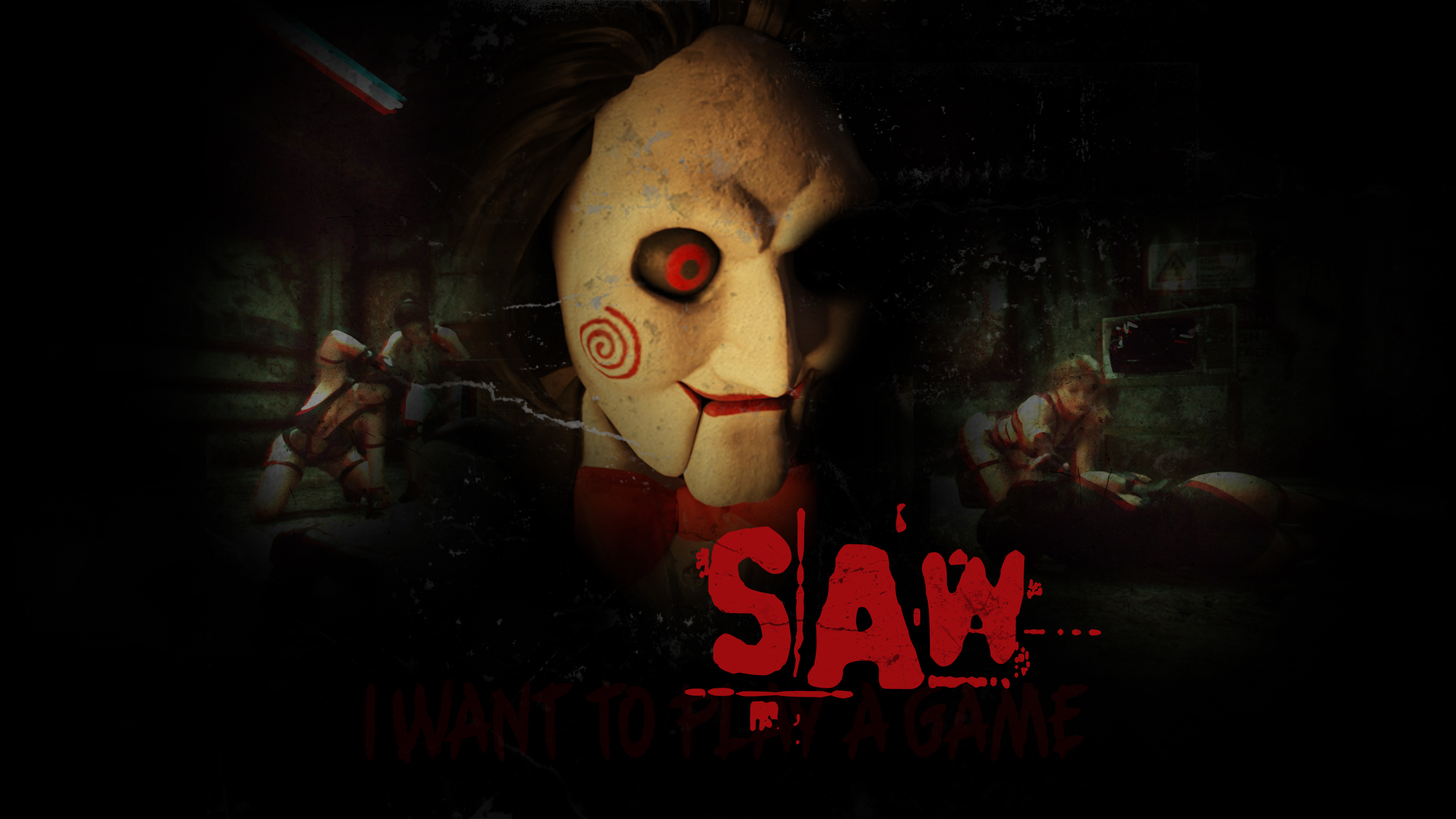
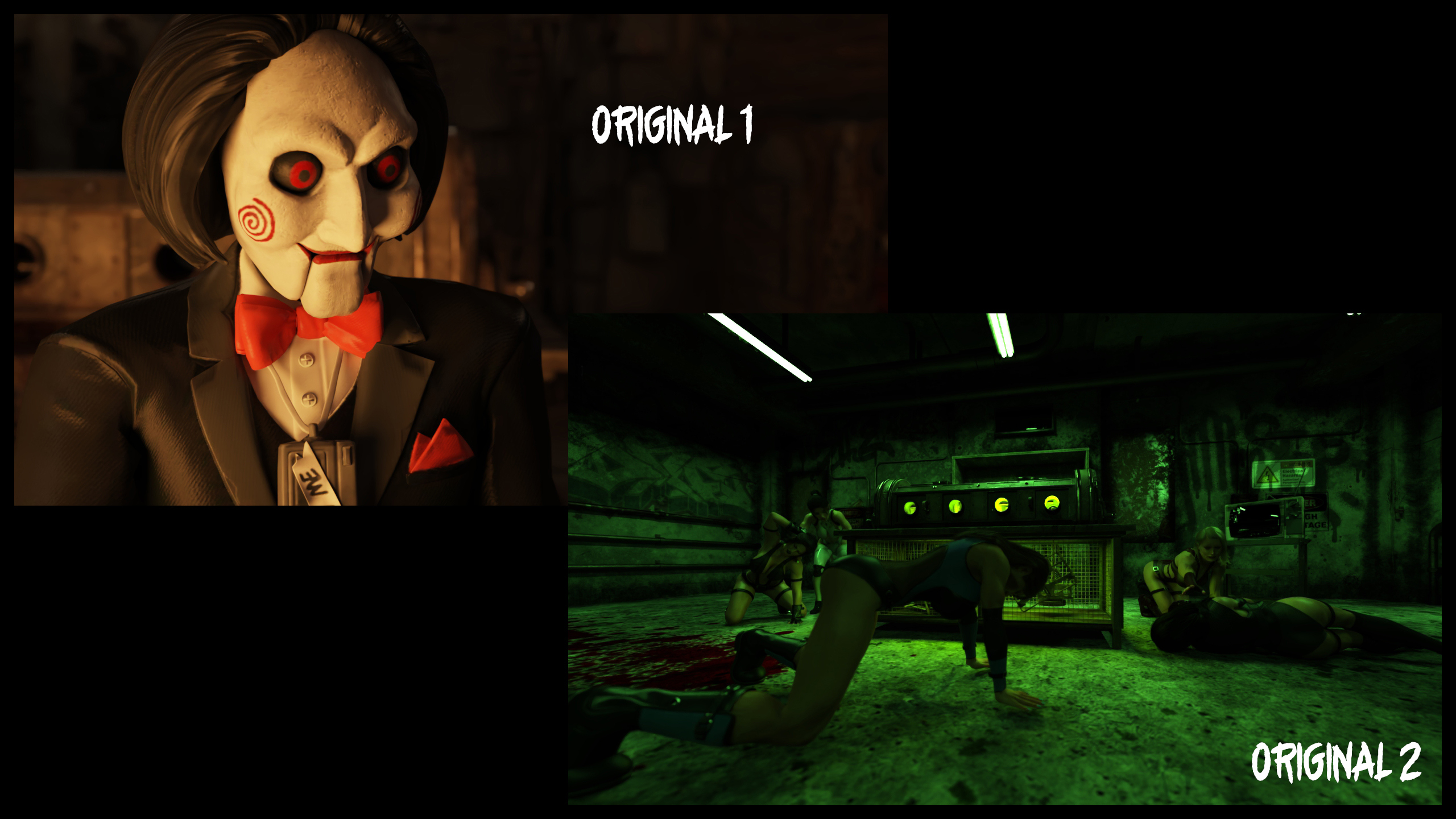
AIRE Contest Submission 01 - I want to play a game.
REPLY
! REPORT
Dreamlight
Karma: 24,191
Fri, Oct 09That looks like a AAA game poster, the title text adds too! Great post work...

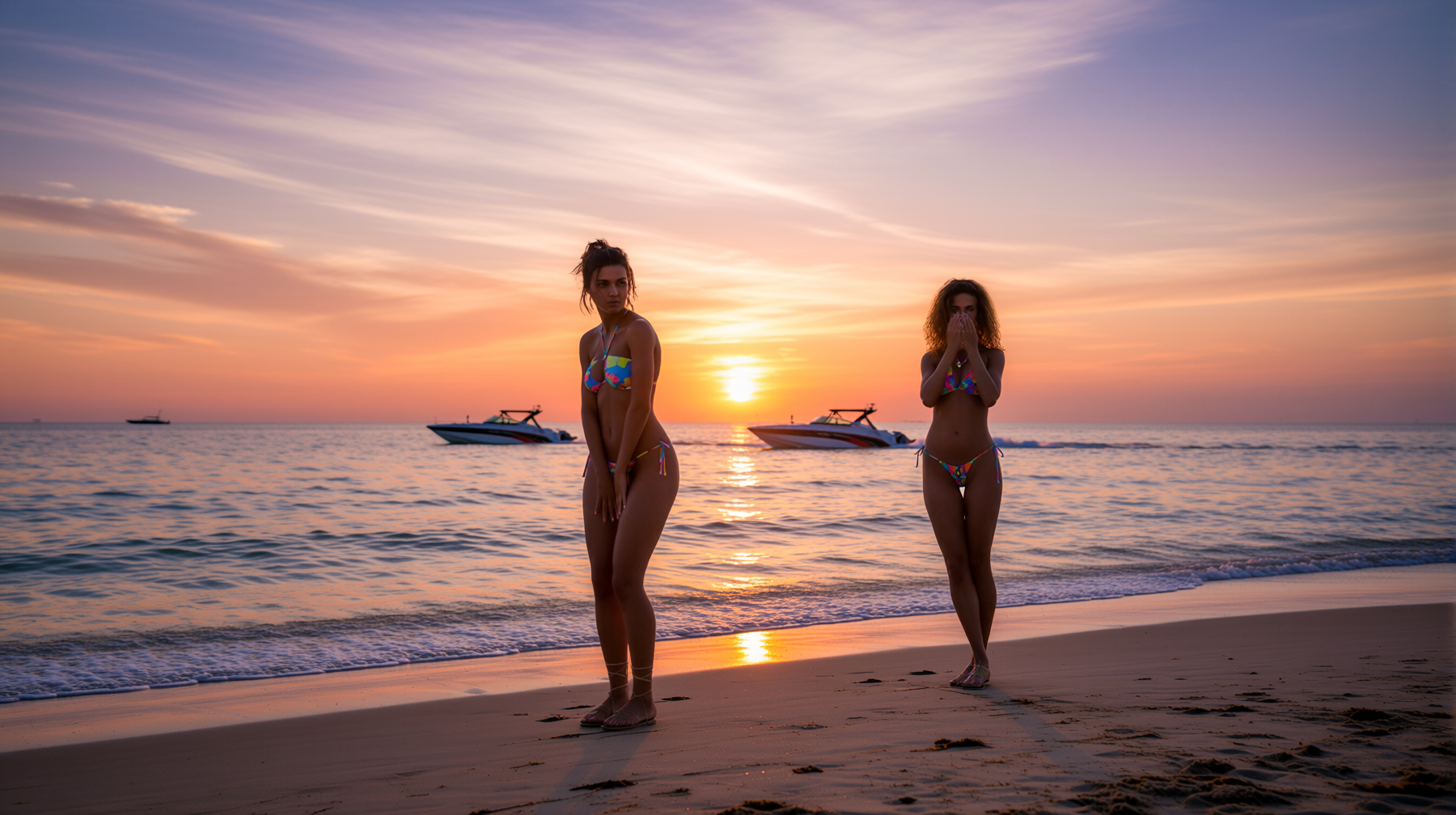
First Image from using AIRE Mason and Leanna on the beach
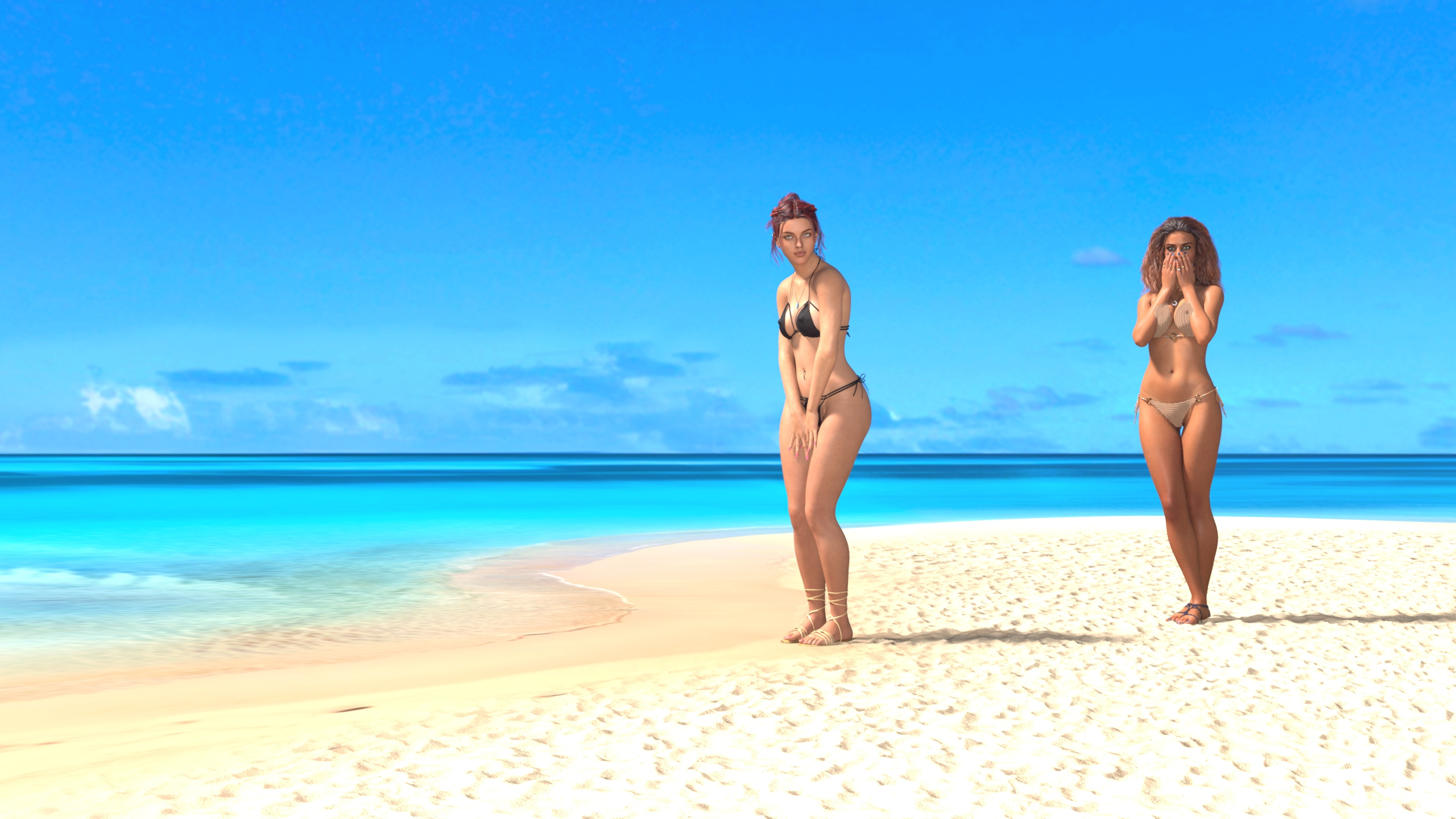
The image I started with follows and the link to the gallery where I have multiple different poses/shots.
https://www.renderhub.com/gallery/104013/leanna-and-mason-on-the-beach
REPLY
! REPORT
Dreamlight
Karma: 24,191
Fri, Oct 09Love the atmosphere and summer vibe! The sunset really brings out the mood...
Dreamlight
Karma: 24,191
Fri, Oct 09You're most welcome, love your other variants in the gallery too!

so a contest for AI generated outputs. right... nah...
REPLY
! REPORT
Dreamlight
Karma: 24,191
Fri, Oct 09By that logic, a photography contest would just be a competition for camera-generated pixels, of elements built by or with other people.
There's quite a bit of human creativity involved in building the scenes, posing, lighting, composition, and artistic direction before AI even enters the picture.
AI is just another tool in the artist's toolbox, but I get it, this particular way of creating art is not for everybody, and that's perfectly fine.
There's quite a bit of human creativity involved in building the scenes, posing, lighting, composition, and artistic direction before AI even enters the picture.
AI is just another tool in the artist's toolbox, but I get it, this particular way of creating art is not for everybody, and that's perfectly fine.

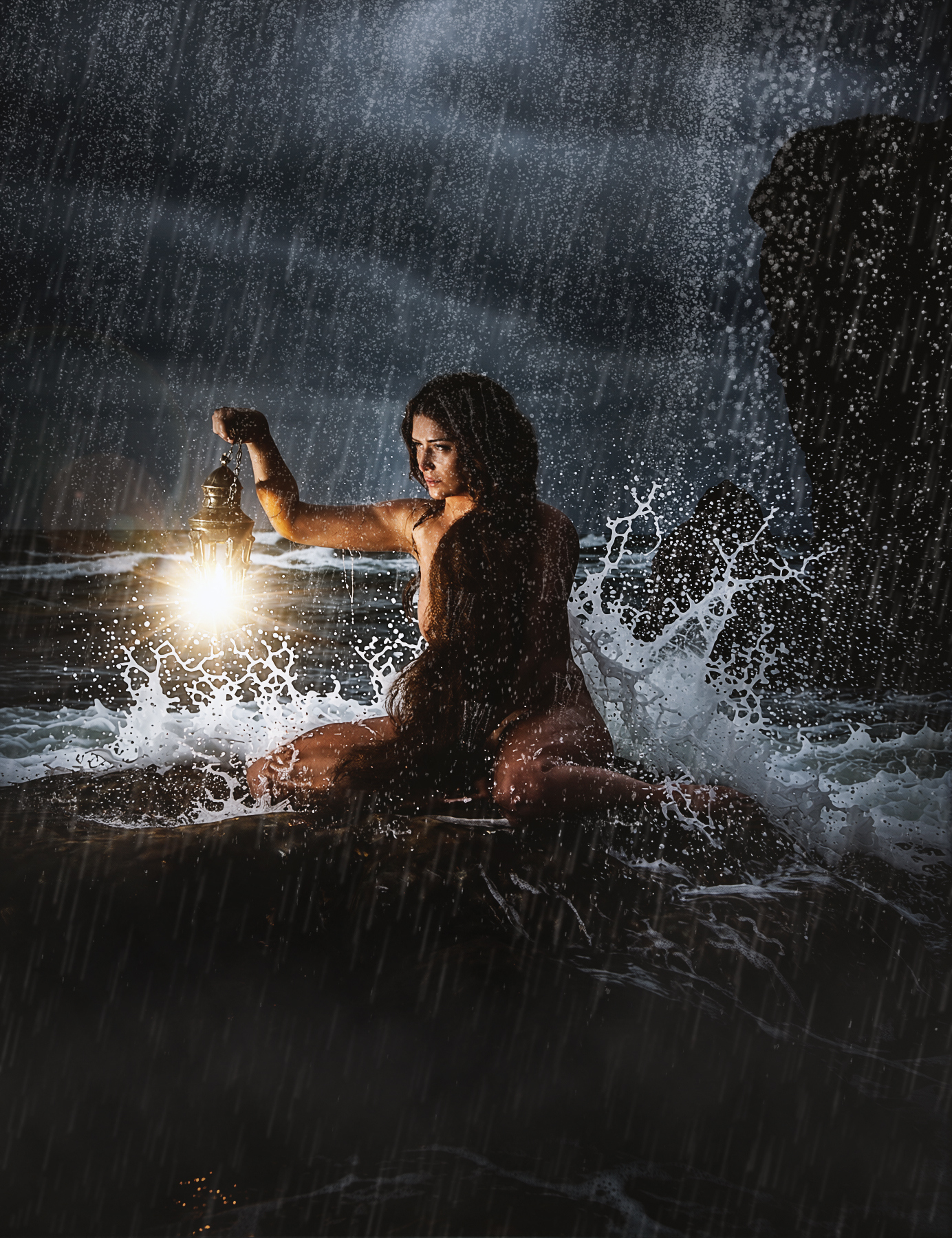
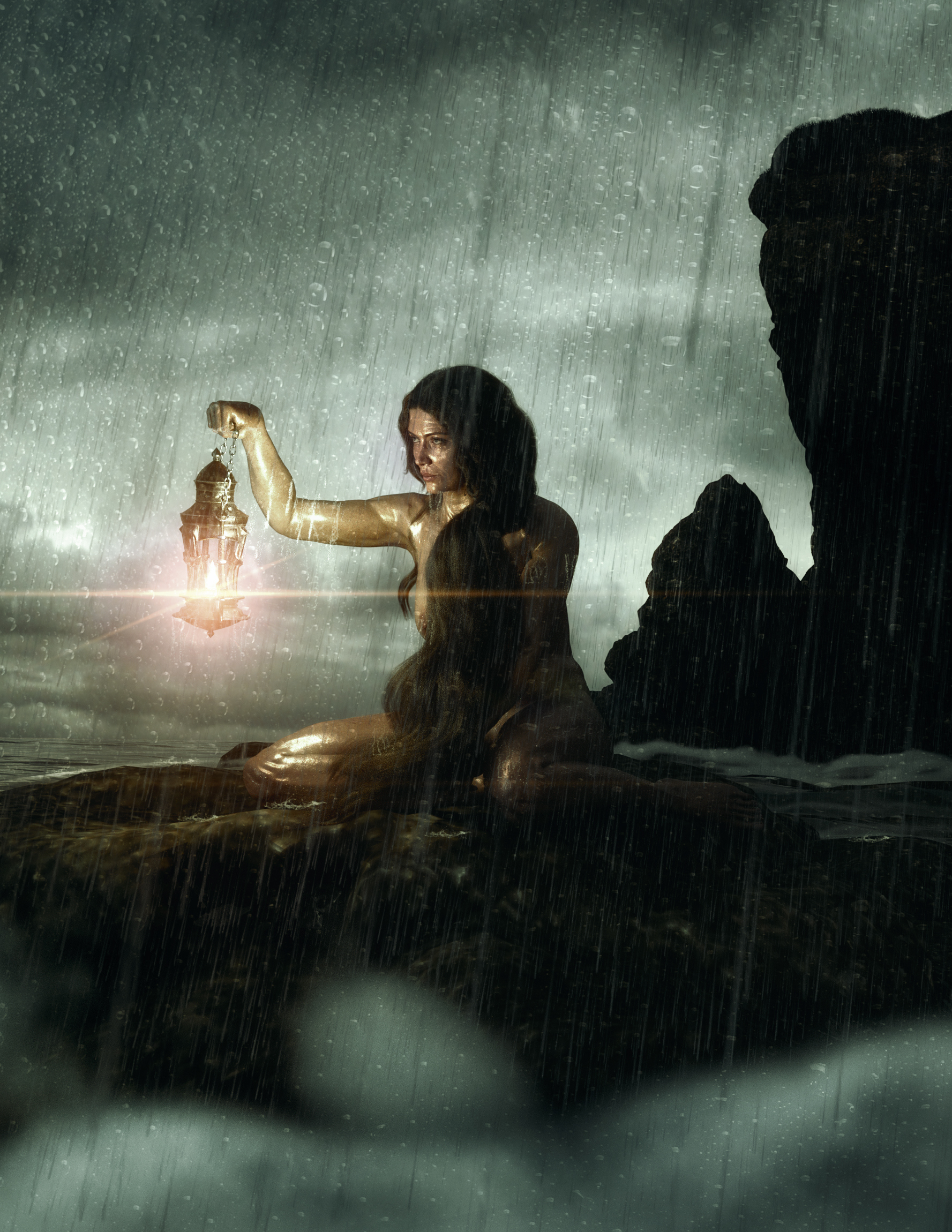
Both images postworked with Boris FC (Flares), Aire render in Cinematic Mode asking to add some splashes. Rain in both images added with Photoshop, though in the plain Daz render there was a rain prop that I didn't use in the AIRE version since I planned to use the Rain setting (but didn't get the result I wanted).
(Bonus item : https://www.renderhub.com/dreamlight/instant-extras-crowd-fillers-airport-terminal-vol-1 )
REPLY
! REPORT
Dreamlight
Karma: 24,191
Sat, Oct 10Nice splashes! Whoa, that's a lot of rain, love her determination!

wikoy81
Karma: 2,686
Sat, Oct 10I floated the idea of a "Generative AI Fun Render Event: AI Made It Weird"—
it was a total flop
https://www.renderhub.com/forum/15022/generative-ai-fun-render-event-ai-made-it-weird
it was a total flop
https://www.renderhub.com/forum/15022/generative-ai-fun-render-event-ai-made-it-weird
wikoy81
Karma: 2,686
Sat, Oct 10Maybe I'm one of the few people who writes prompts that the AI misunderstands, sending it completely off the rails
DustRider
Karma: 2,157
Sat, Oct 10Nope, I just don't save them. I found one on DA and posted it to your thread.

Dreamlight
Karma: 24,191
Sun, Oct 11Ha ha, all AI tools fail at times. You can take the best tools on the planet, high end engines that when pushed too hard, simply start failing. All tools have limits, things they do better, things they fail at. It's the nature of the game... If you can get 25-30% good results most of the time, I'd consider that a good AI tool. But then again, the best prompts in the world cannot save a bad tool, or a bad job for the tool.
maru_berlin
Karma: 49,467
Sun, Oct 11Hey guys. I don't mind hearing from you all, but wouldn't it be a lot smarter not to answer under a particular image but in a a general discusstion thread??
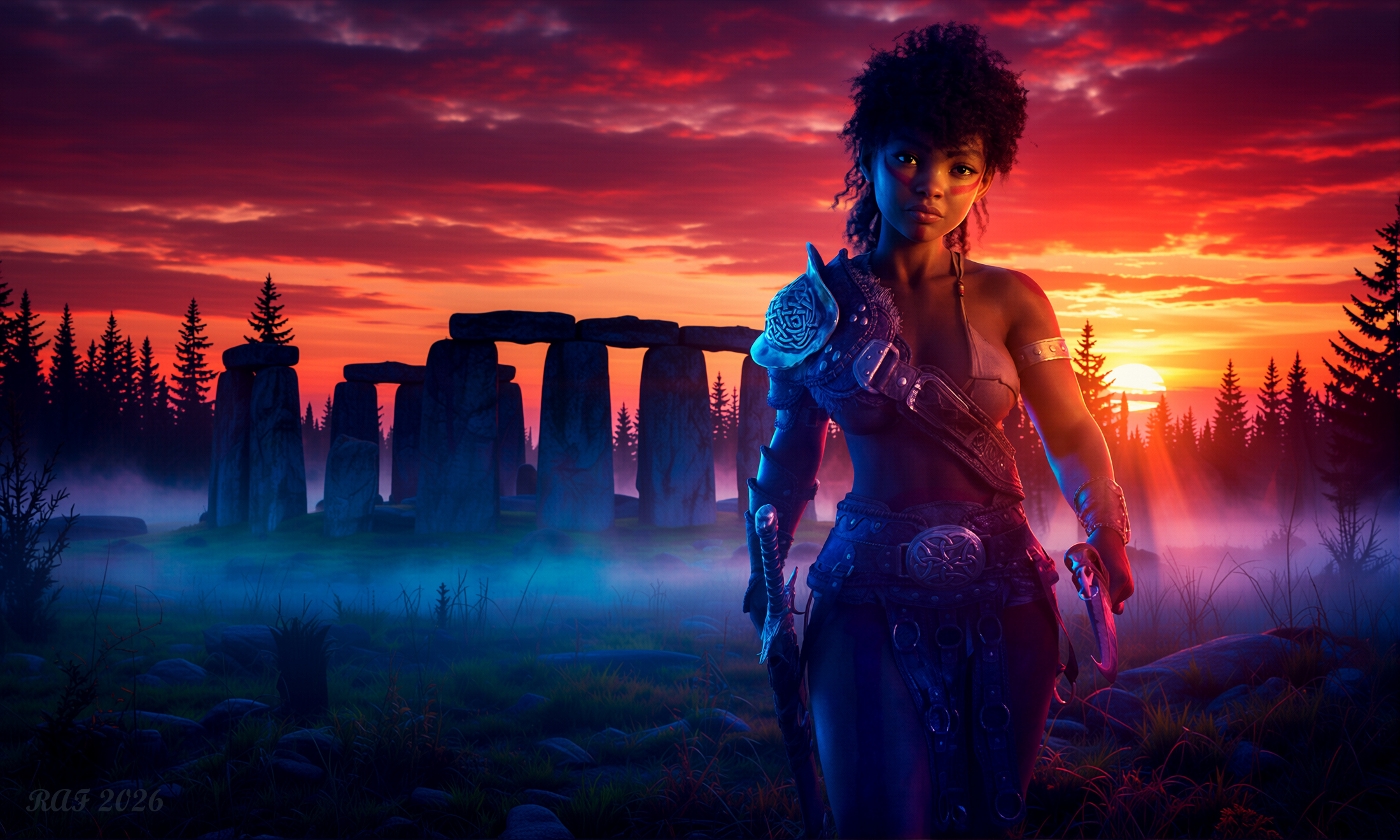
AIRE 1.2.1 render:
The Ember Gate
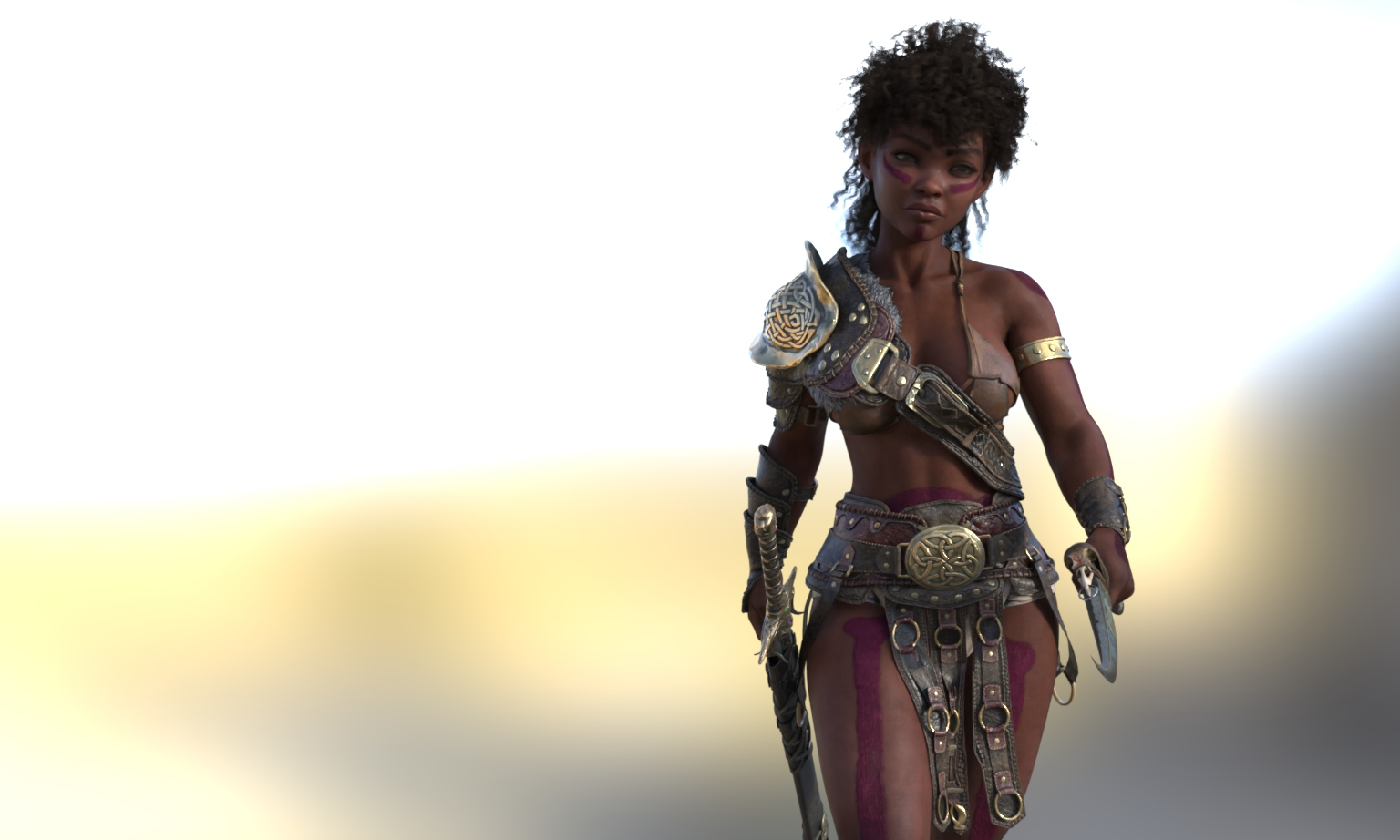
Original DAZ Iray Render:
Settings used:
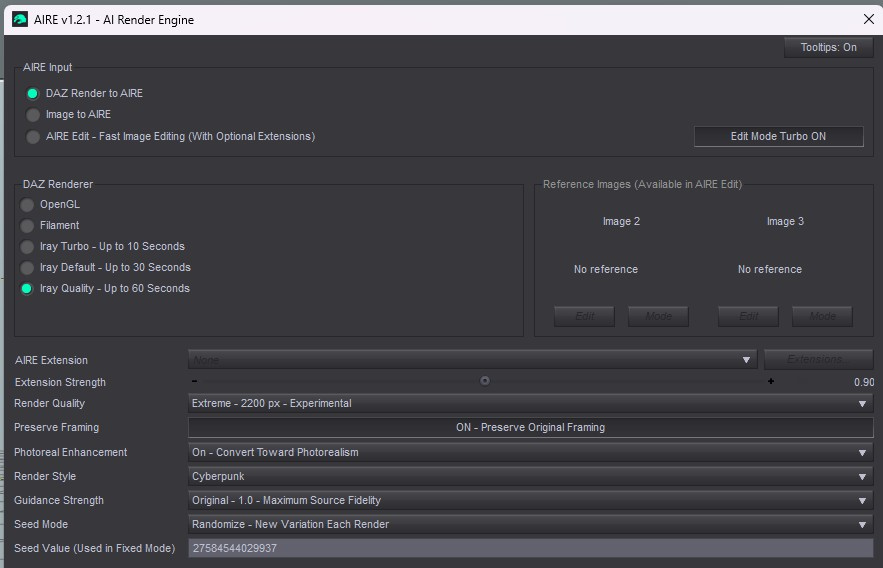
Gallery Link (full description of image creation and image story there): https://www.renderhub.com/gallery/104159/the-ember-gate-aire-1-2-1
My first attempt with AIRE. I did minor post processing on the image. I just added a bit more vignette to help bring the figure out.
Desired participation prize: https://www.renderhub.com/gallery/104159/the-ember-gate-aire-1-2-1
The Ember Gate
Original DAZ Iray Render:
Settings used:
Gallery Link (full description of image creation and image story there): https://www.renderhub.com/gallery/104159/the-ember-gate-aire-1-2-1
My first attempt with AIRE. I did minor post processing on the image. I just added a bit more vignette to help bring the figure out.
Desired participation prize: https://www.renderhub.com/gallery/104159/the-ember-gate-aire-1-2-1
REPLY
! REPORT
So guys, thanks for sending in your submissions so far, keep them coming! Don't forget to add your desired participation / submission freebie. Please select one from the Dreamlight RenderHub store (check criteria in the top post), and post it below your entry with either the title of the product or a link to it.
REPLY
! REPORT

hi, If I got the rules correctly then I'm posting in here, this is the link of my submission:
https://www.renderhub.com/gallery/104176/let-it-go
and this enviroment caught my eye: https://www.renderhub.com/dreamlight/still-standing
https://www.renderhub.com/gallery/104176/let-it-go
and this enviroment caught my eye: https://www.renderhub.com/dreamlight/still-standing
REPLY
! REPORT
Dreamlight
Karma: 24,191
Sun, Oct 11Hey, thanks for your entry! Would love to see the after + before images right in the post, if you can re-do that?
hugomorate
Karma: 8,682
Sun, Oct 11I'm sorry, I thought I had to post the link where the after + before images are in my gallery.
okay, I'll post in here the images directly.
okay, I'll post in here the images directly.
Dreamlight
Karma: 24,191
Mon, Oct 12Hey, not a biggie, just we want to see it here, among the other entries...
First Image: AIRE 1.2.1, IRAY Quality, Default Style, Guidance Strength 1.5. No Post
Second Image Studio 6 Render, default lighting. Same 1328x2000 (2x3) as AIRE. No Post
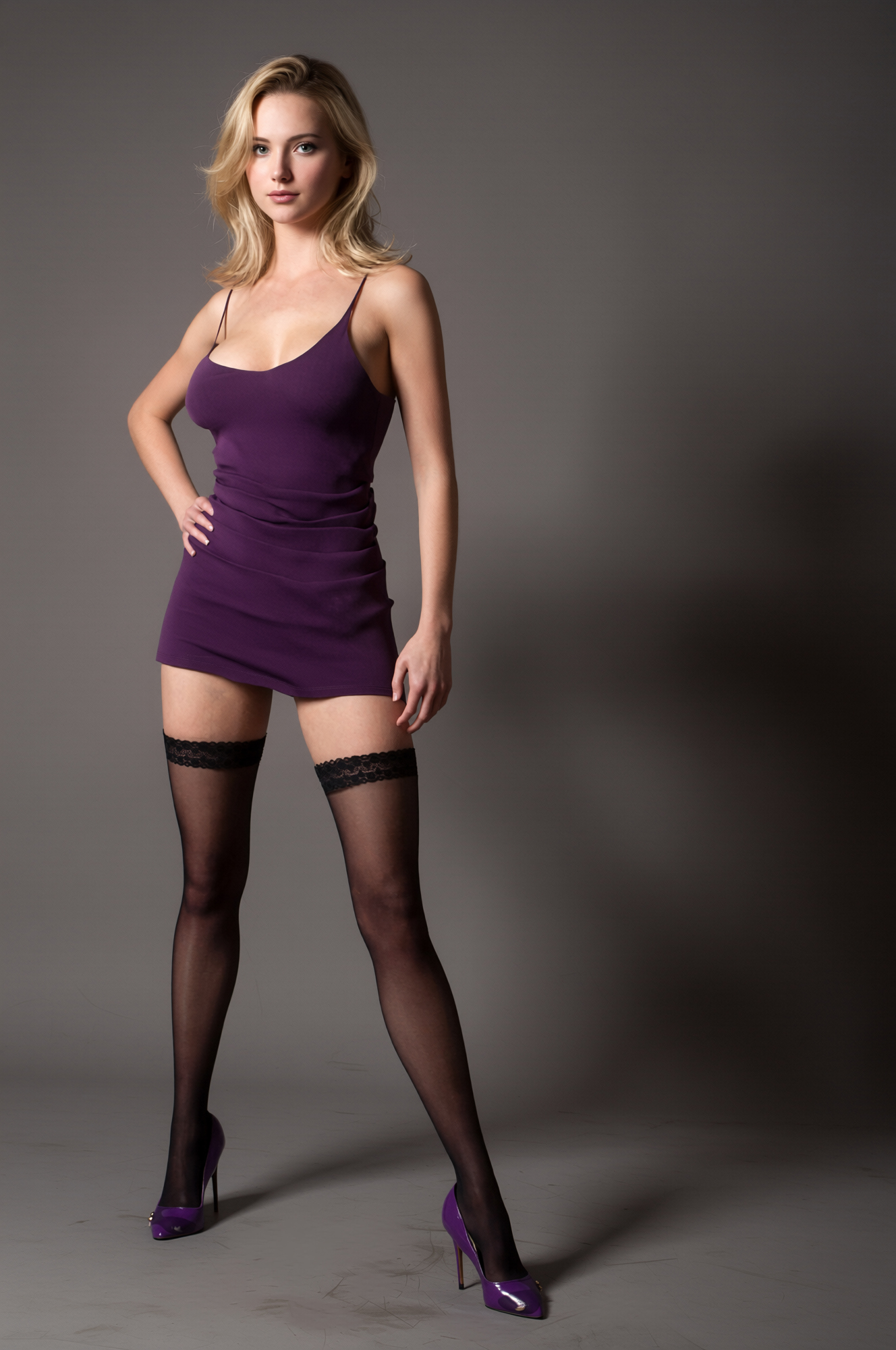
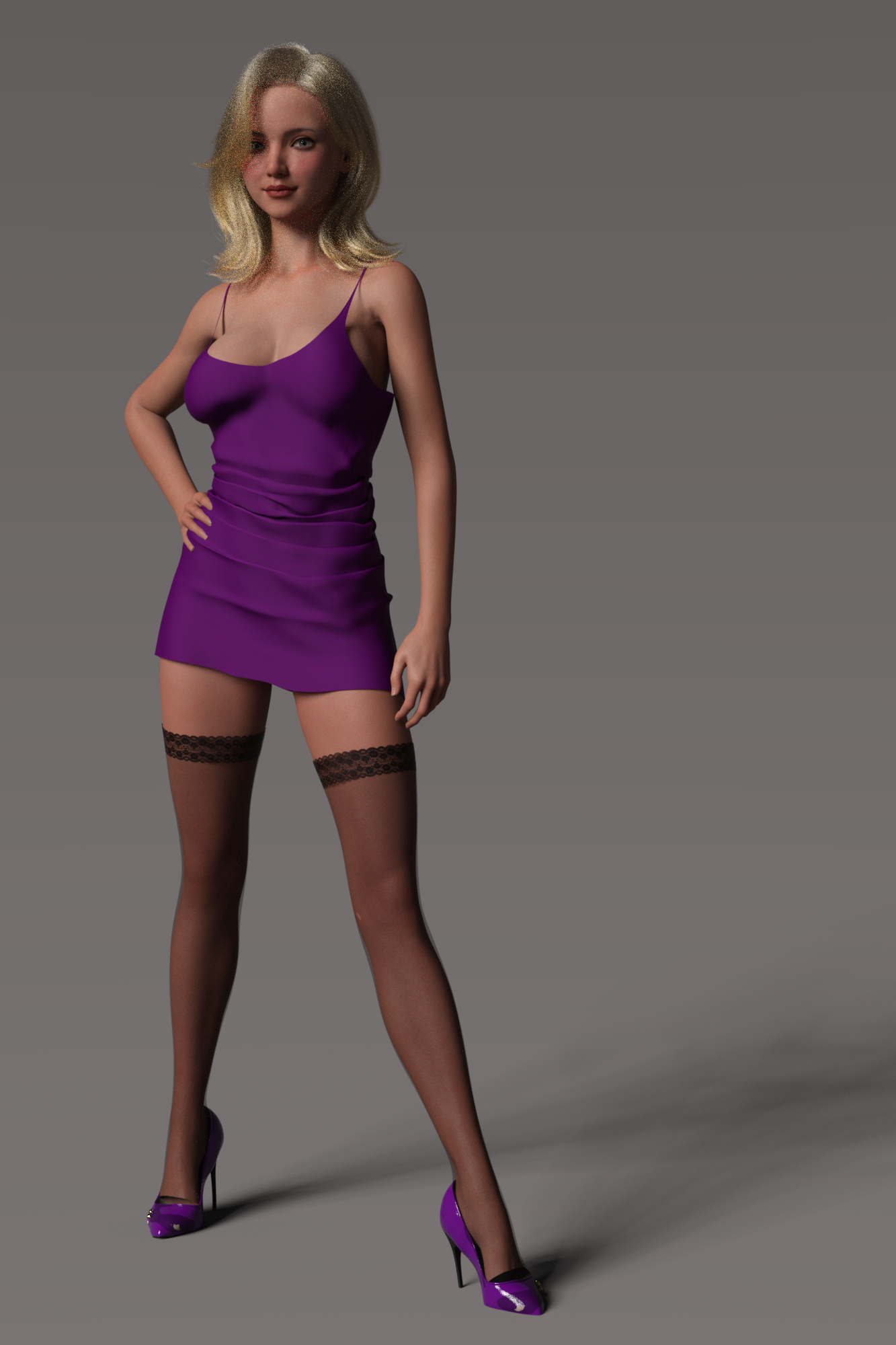
Second Image Studio 6 Render, default lighting. Same 1328x2000 (2x3) as AIRE. No Post
REPLY
! REPORT
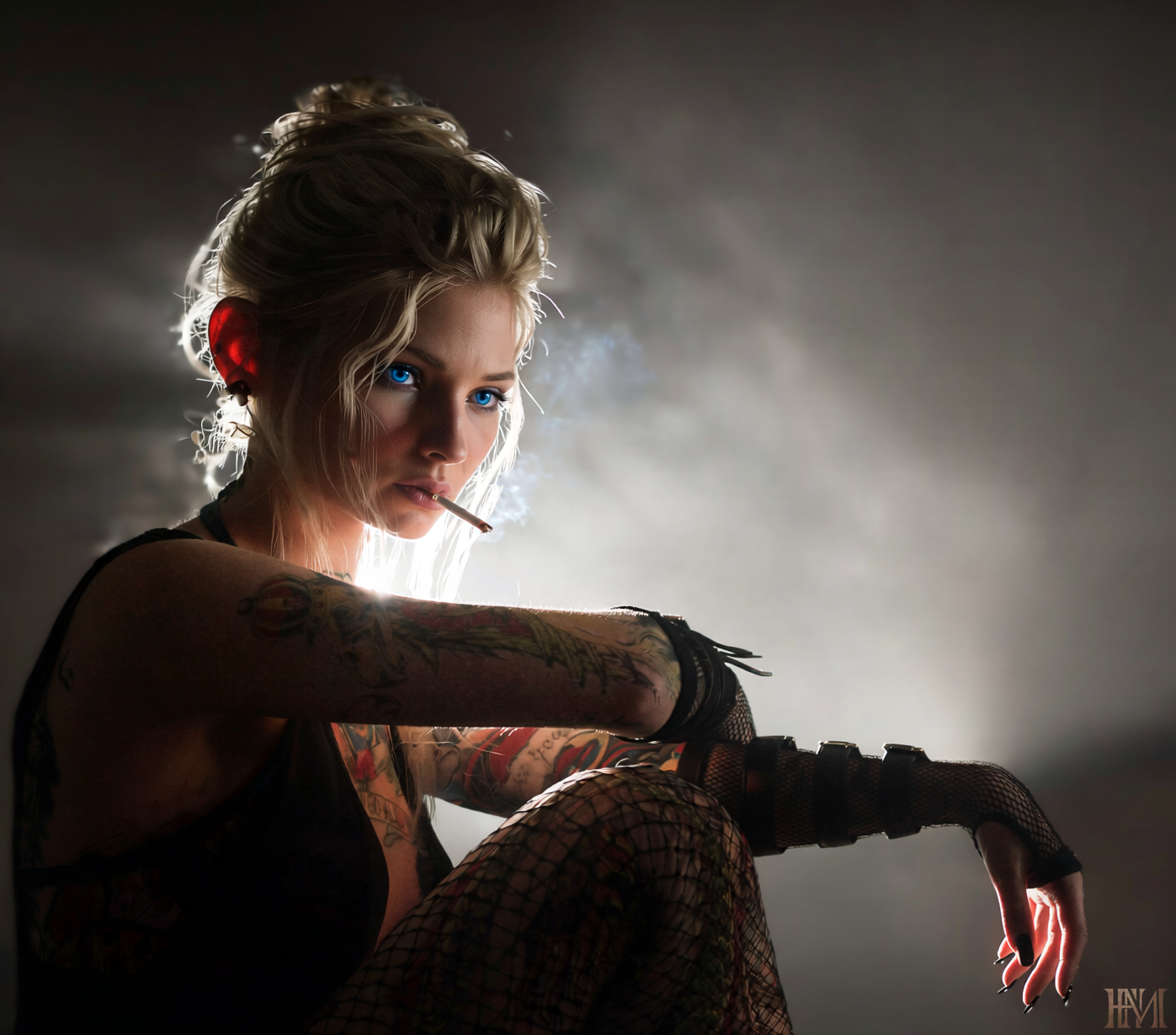
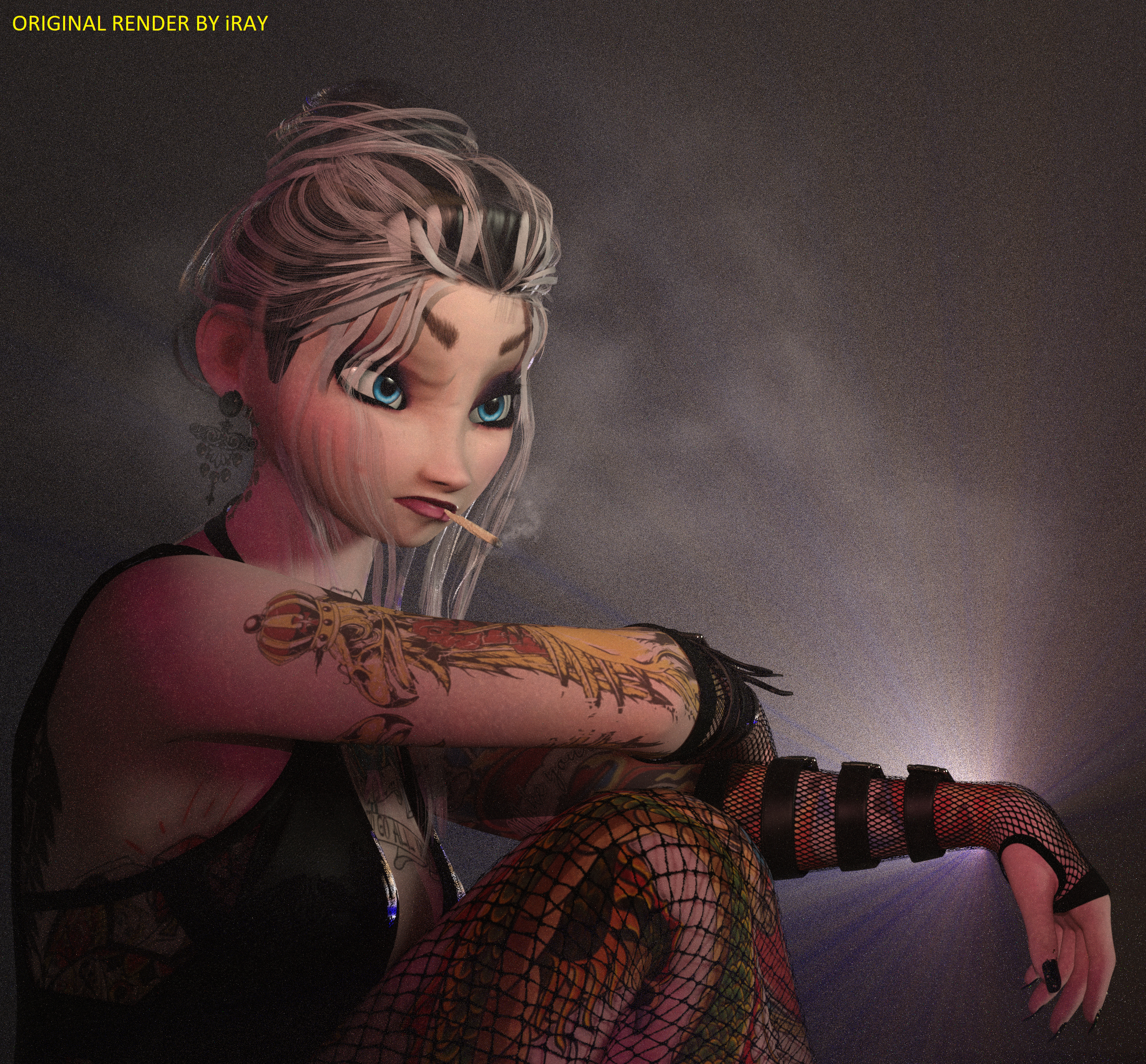
This is what happens when you imagine Elsa as a rebellious modern-day teenager.
and this enviroment caught my eye: https://www.renderhub.com/dreamlight/still-standing
AIRE 1.2, IRAY Quality, Studio Style, Guidance Strength 1.5. I used a prompt for Creative Direction.
Render in DAZ studio 6 by iRay engine.
and this enviroment caught my eye: https://www.renderhub.com/dreamlight/still-standing
AIRE 1.2, IRAY Quality, Studio Style, Guidance Strength 1.5. I used a prompt for Creative Direction.
Render in DAZ studio 6 by iRay engine.
REPLY
! REPORT
I seen you you can do up to 3 entries, so here's my second one. I've also included the pre-work after the submission photo along with a link to some other photos that I was working on to get to what I wanted. I also used Horror in Aire.
The item from your store would be: https://www.renderhub.com/dreamlight/video-backgrounds-zombie-asylum-daz-studio
Link To Additional Images of the scene: https://www.renderhub.com/gallery/104213/vampire-searching-for-his-new-queen
Vampire is searching for his new Queen
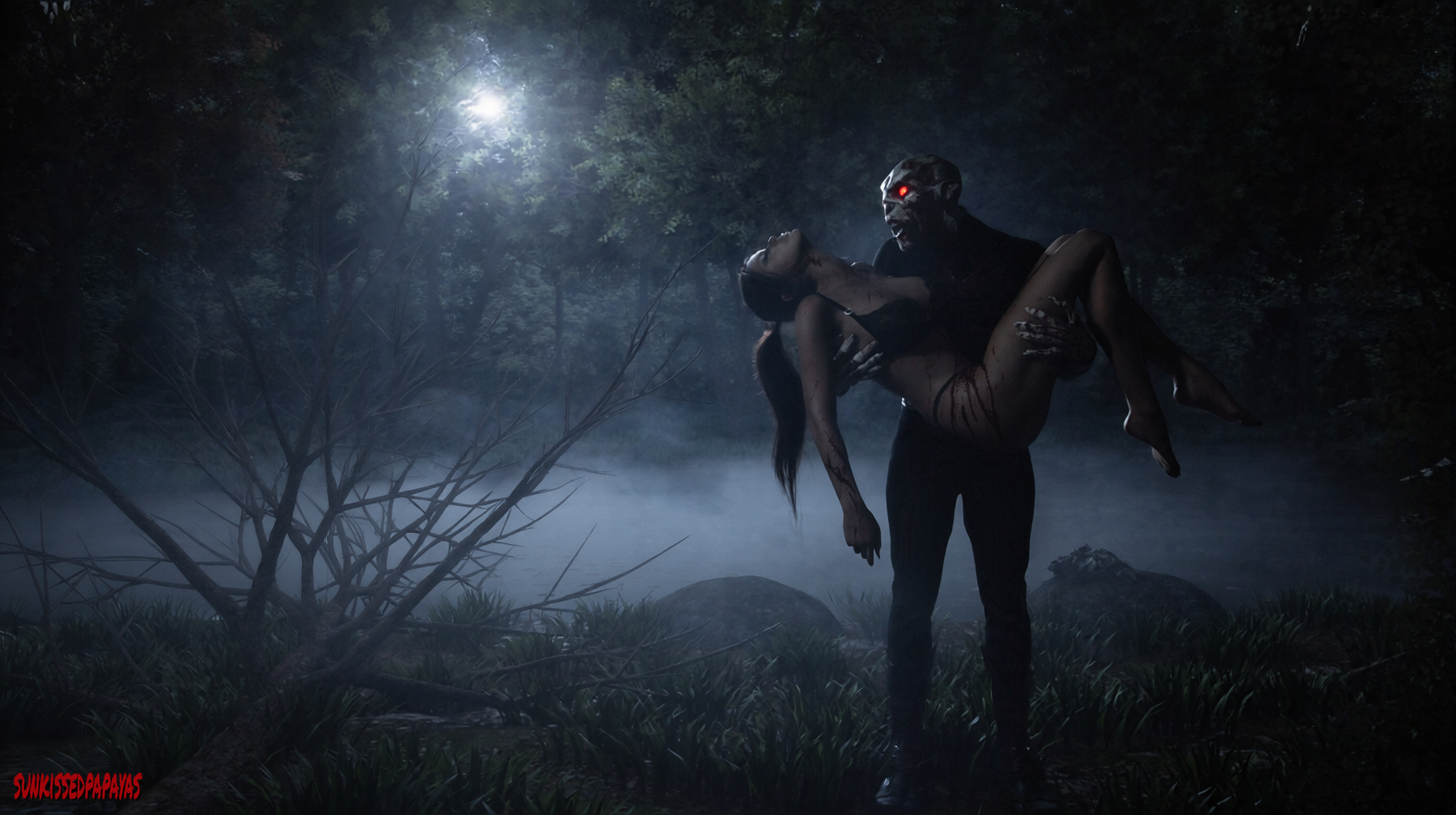
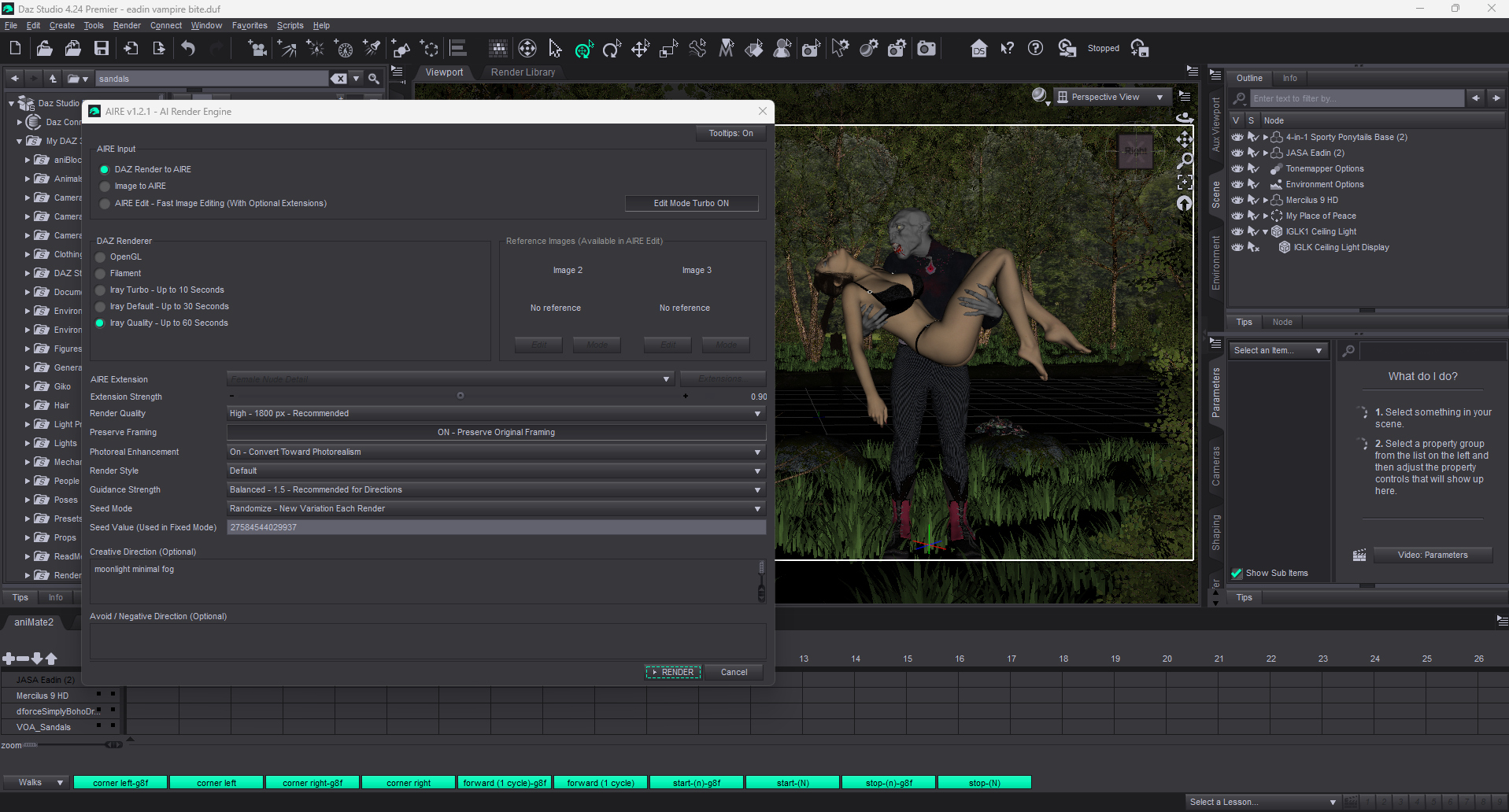
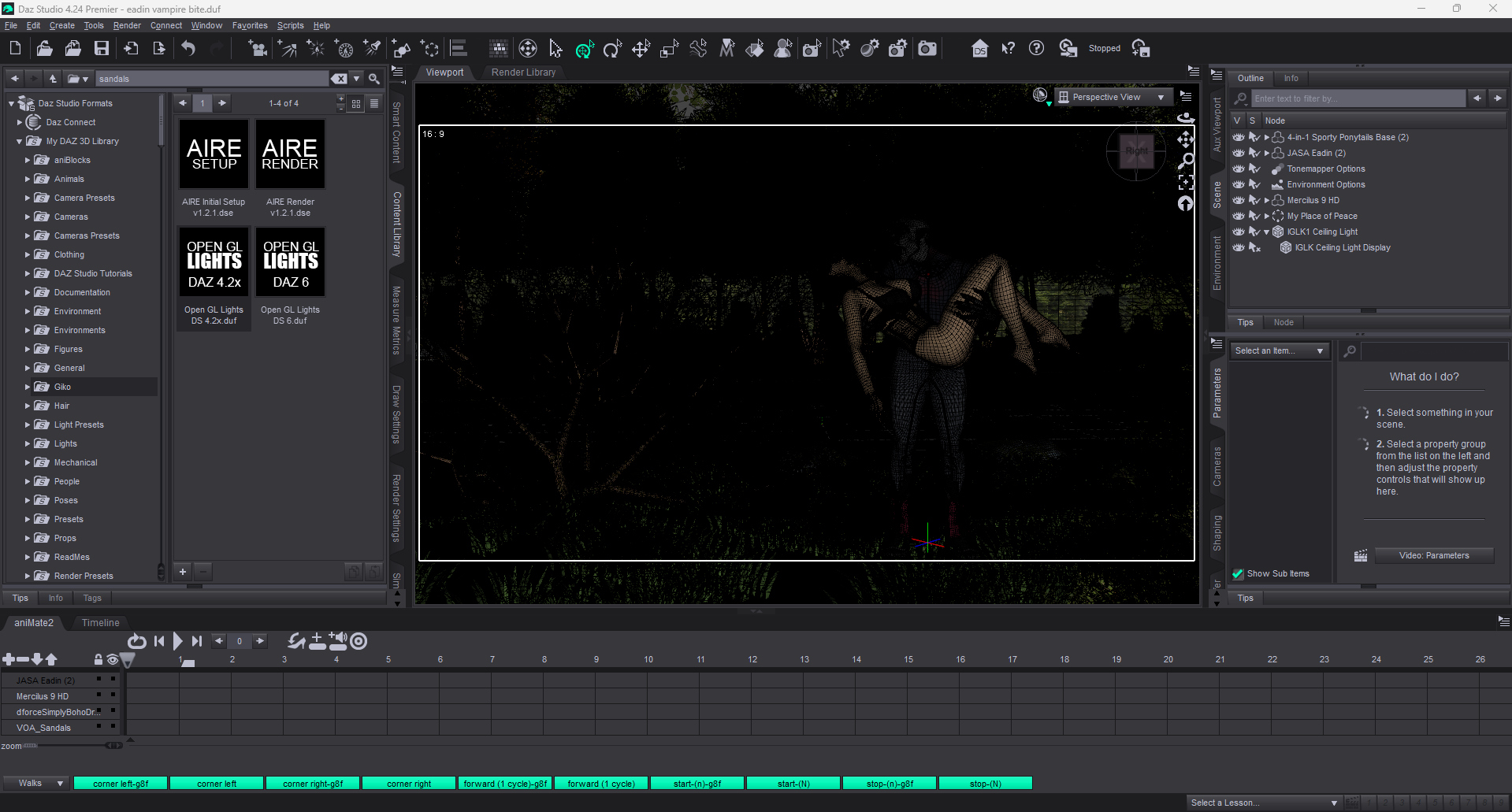
The item from your store would be: https://www.renderhub.com/dreamlight/video-backgrounds-zombie-asylum-daz-studio
Link To Additional Images of the scene: https://www.renderhub.com/gallery/104213/vampire-searching-for-his-new-queen
Vampire is searching for his new Queen
REPLY
! REPORT
Dreamlight
Karma: 24,191
Mon, Oct 12Atmospheric and great posing, love the tree on the left, it adds to the camera framing!
Here goes mine.
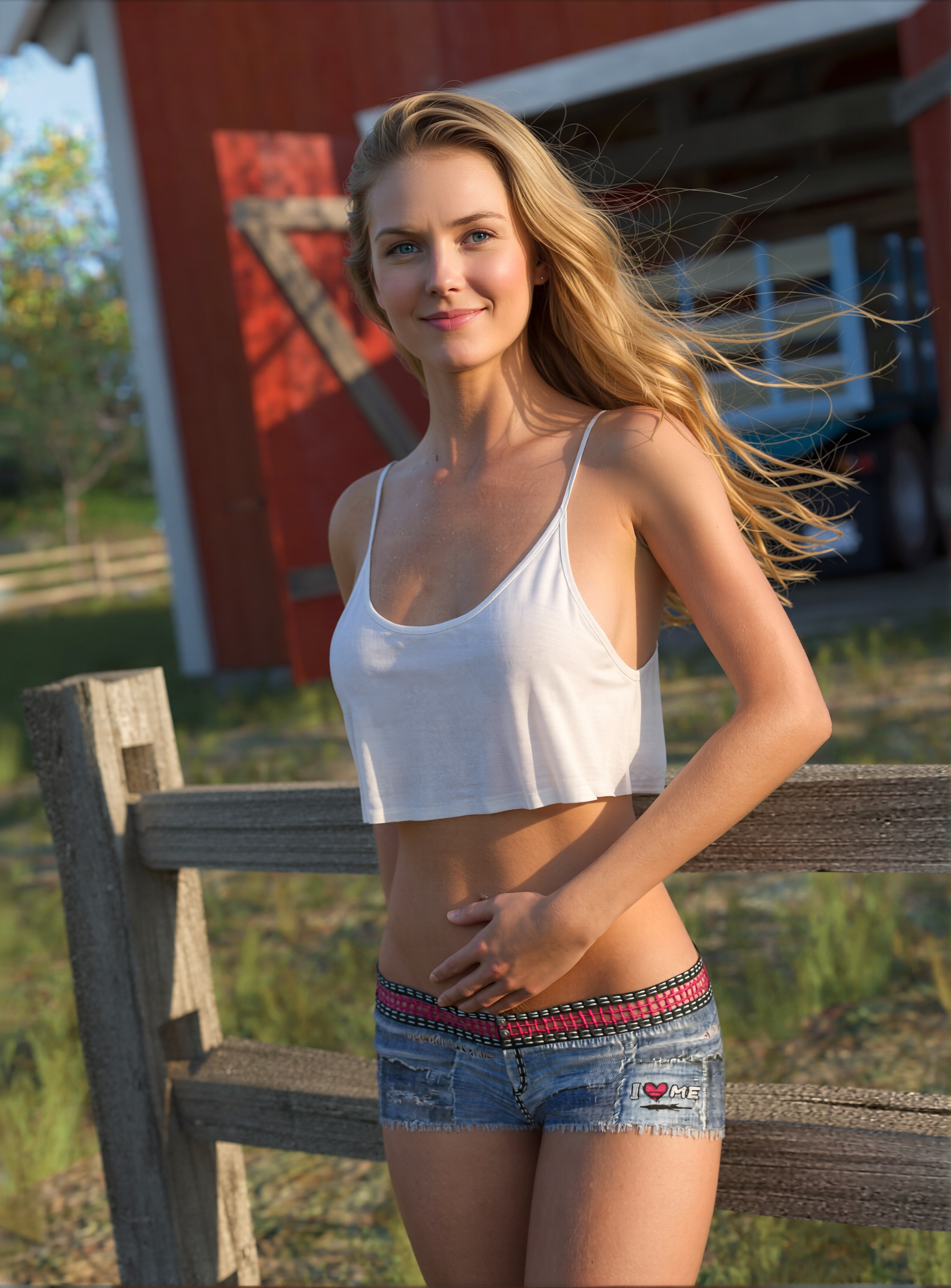
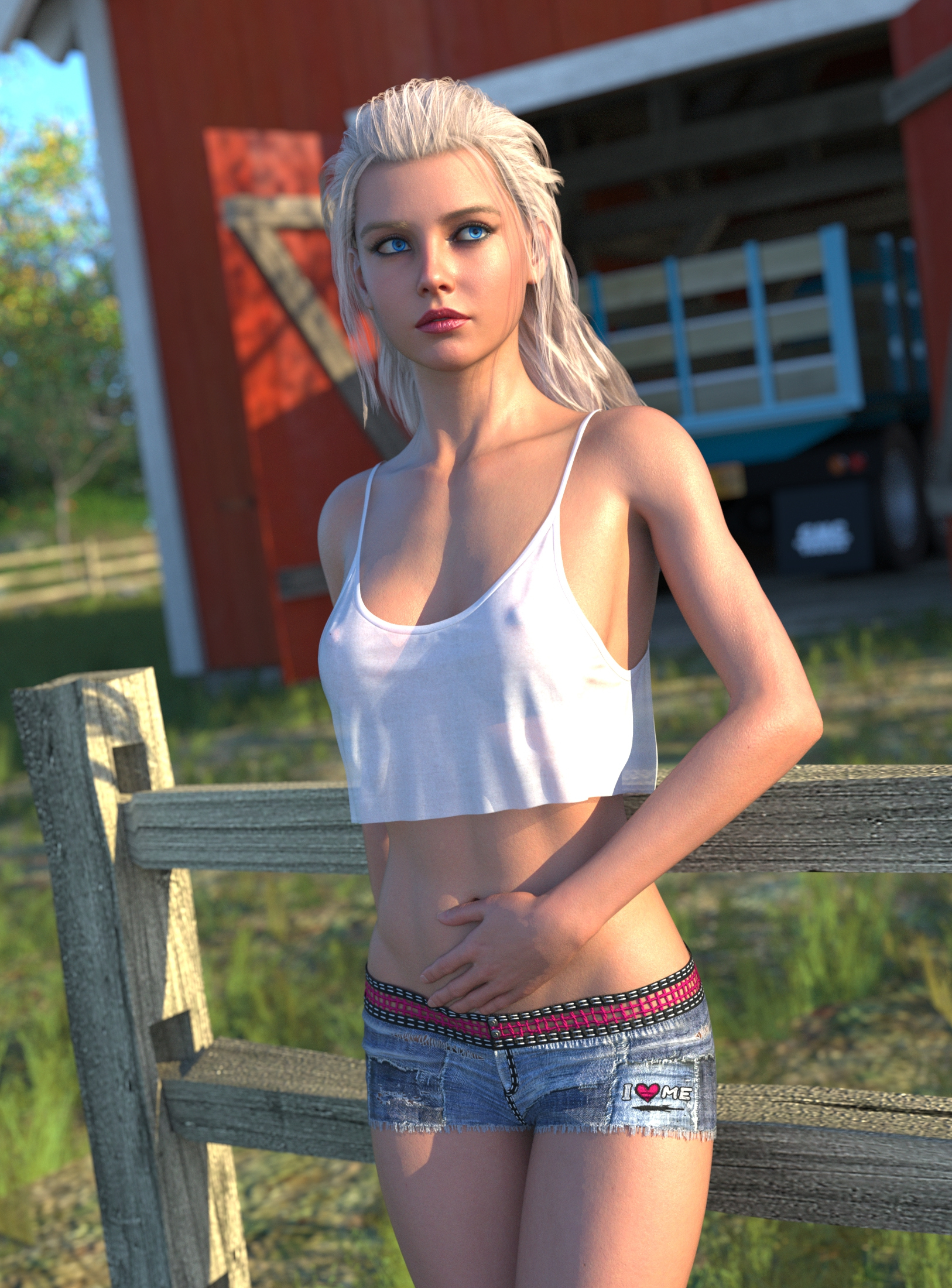
Daz to Aire, Iray quality, 2200px, morning light, balanced, fixed
Prompts: keep the females hairstyle but change the color to natural blonde, females hair is slightly blowing backward and to the right, the female has realistic blue eyes, female has a small friendly smile, the female slightly sweaty skin,
Bottom render is the Iray render the Aire render is based on. 2200px.
https://www.renderhub.com/gallery/104249/country-girl
https://www.renderhub.com/dreamlight/instant-extras-high-rez-creatures-dragon-vol-1 because that dragon is Boss!
Daz to Aire, Iray quality, 2200px, morning light, balanced, fixed
Prompts: keep the females hairstyle but change the color to natural blonde, females hair is slightly blowing backward and to the right, the female has realistic blue eyes, female has a small friendly smile, the female slightly sweaty skin,
Bottom render is the Iray render the Aire render is based on. 2200px.
https://www.renderhub.com/gallery/104249/country-girl
https://www.renderhub.com/dreamlight/instant-extras-high-rez-creatures-dragon-vol-1 because that dragon is Boss!
REPLY
! REPORT
dirtrider00
Karma: 25,827
Mon, Oct 12Thanks! I found a cheat to get opengl looking hair in the Aire Iray mode. Free to use for anyone that's interested.
Link to Gallery: https://www.renderhub.com/gallery/104261/the-end-of-the-road
Dreamlight item: https://www.renderhub.com/dreamlight/still-standing
----- "THE END OF THE ROAD" -----
AIRE 1.2, IRAY Quality, Rain Style, Guidance Strength 1.25. Creative Direction: wet hair, wind to left
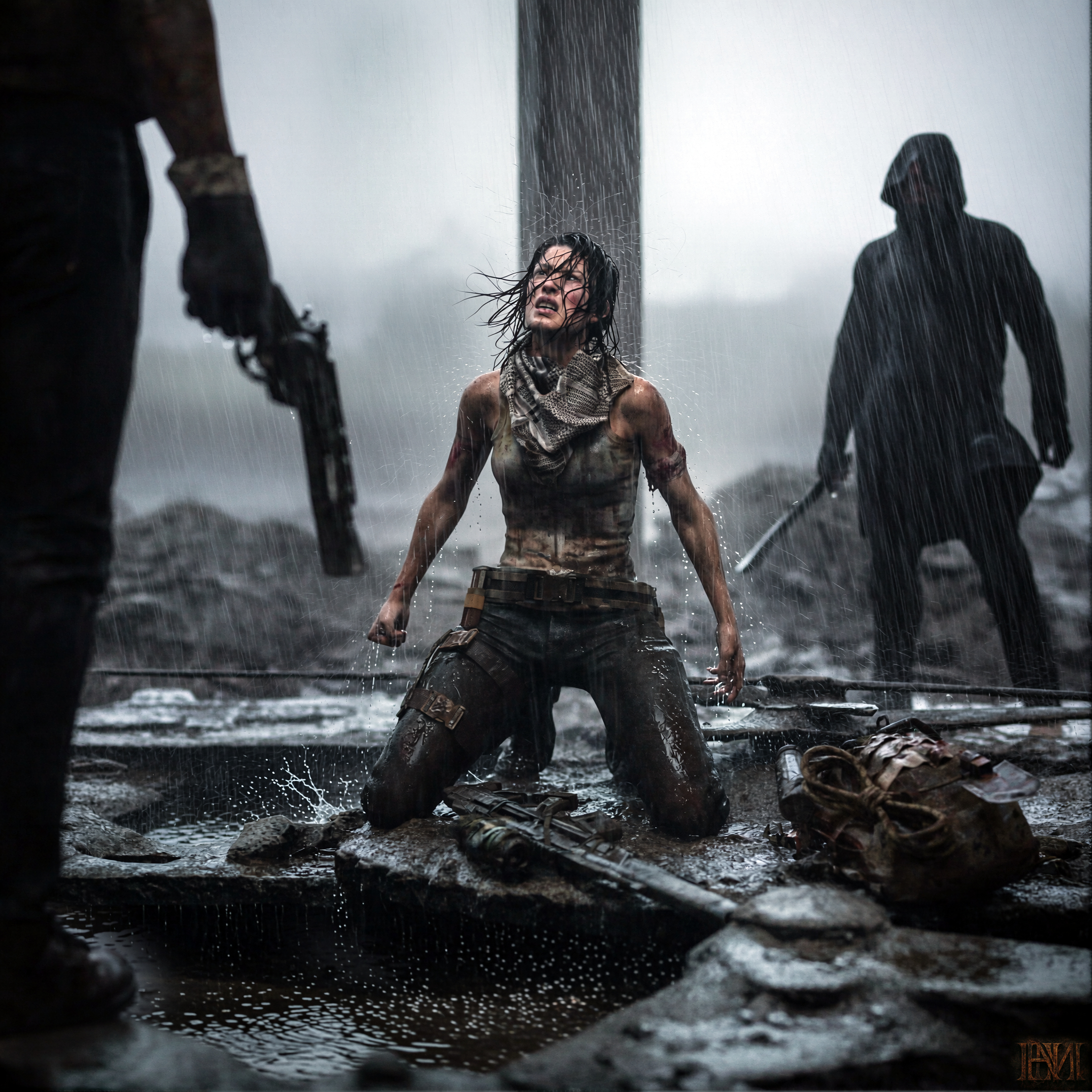
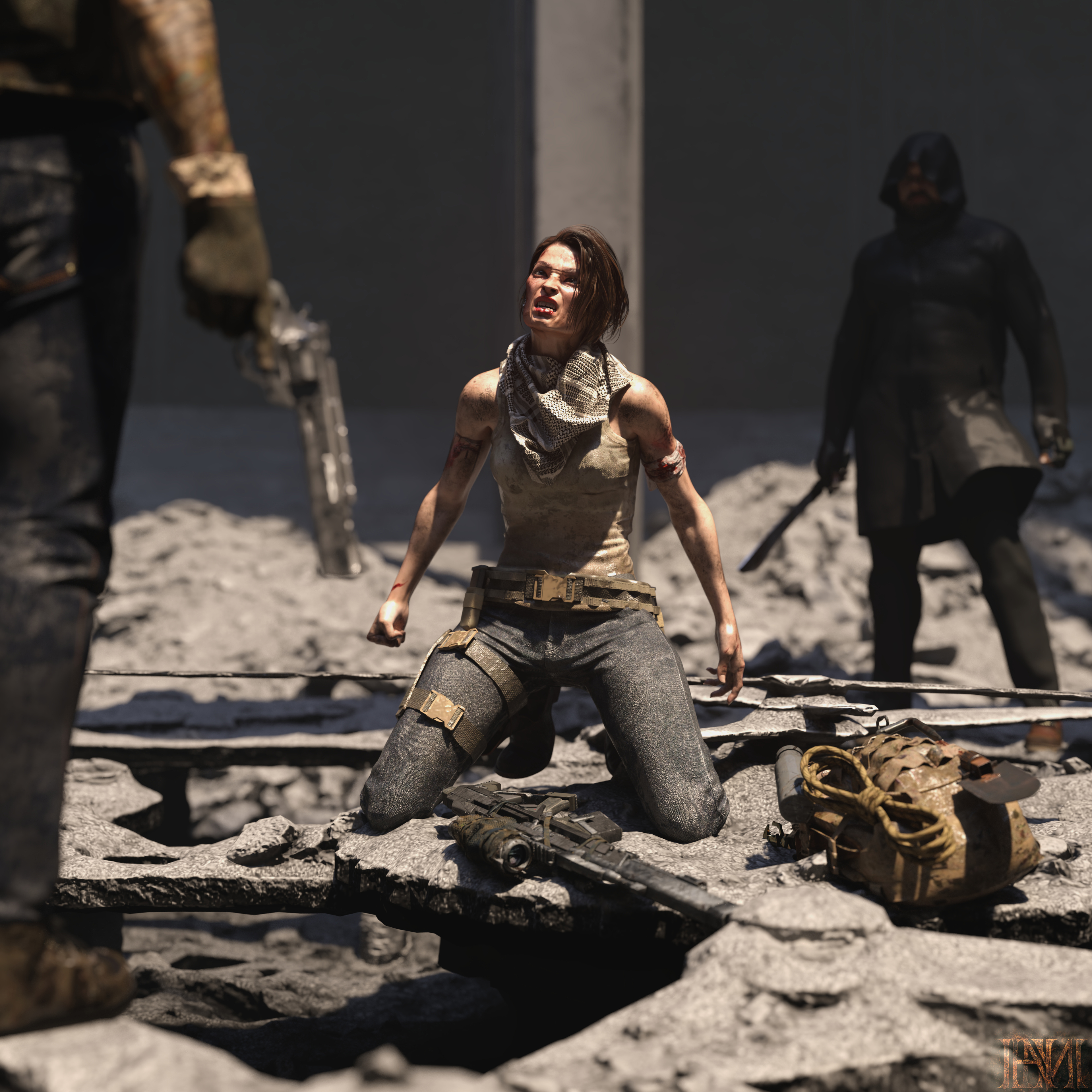
iRay render
Dreamlight item: https://www.renderhub.com/dreamlight/still-standing
----- "THE END OF THE ROAD" -----
AIRE 1.2, IRAY Quality, Rain Style, Guidance Strength 1.25. Creative Direction: wet hair, wind to left
iRay render
REPLY
! REPORT

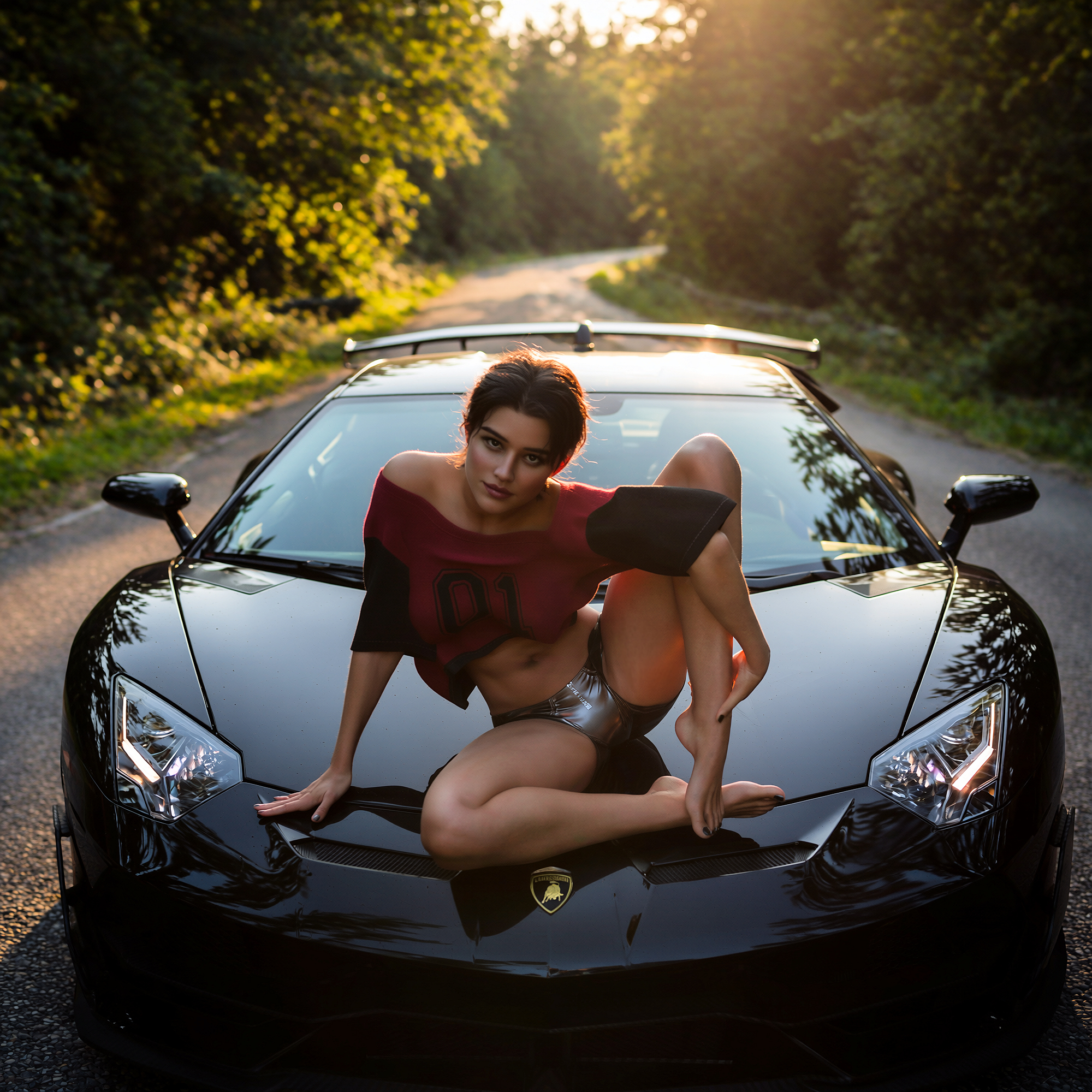
"Stopping for a Stretch". For this version, I used AIRE v1.2.1. in IRAY Render mode, Quality - 60 seconds, Mode was "Cinematic". Directorial Input - "The car is parked on a road that runs through the background. Background is a forest area with a bright sunrise just out of focus." Ran at 2000 x 2000 pixels (Ultra), Preserve Framing - ON, Photorealism - ON, Guidance Strength - 1.0. Render took approx. 5 minutes.
This is the IRAY Render for comparison:
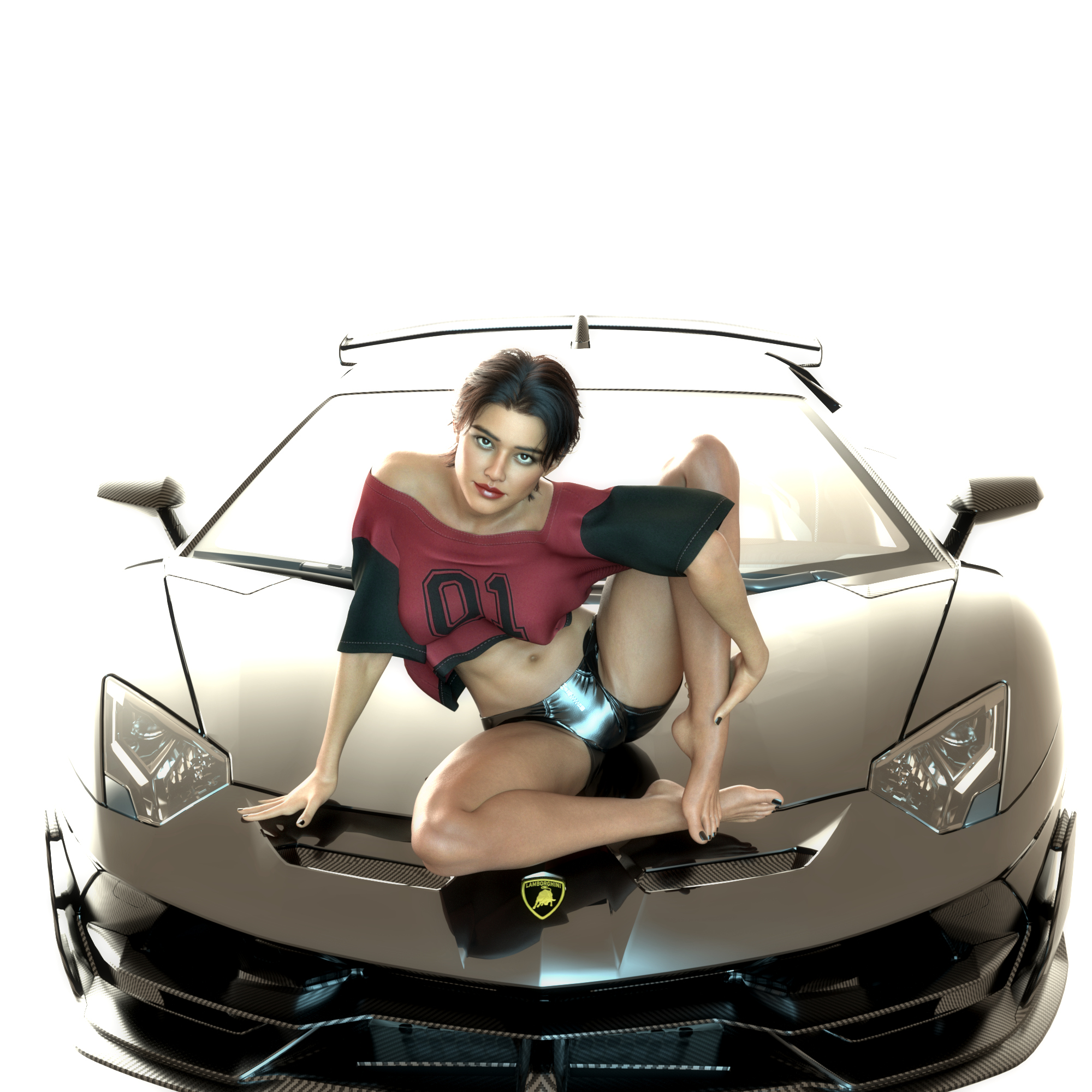
The Lamborghini Aventador SVJ used in the image is in the marketplace here: https://www.renderhub.com/gregorycreations/lamborghini-aventador-svj
My Gallery link: https://www.renderhub.com/gallery/104352/stopping-for-a-stretch
My chosen product: https://www.renderhub.com/dreamlight/cinematic-haunted-amusement-park-60-backgrounds-daz
REPLY
! REPORT
Dreamlight
Karma: 24,191
Wed, Oct 14Cool and intense gaze, both from her and the car... Love the subtle lighting!
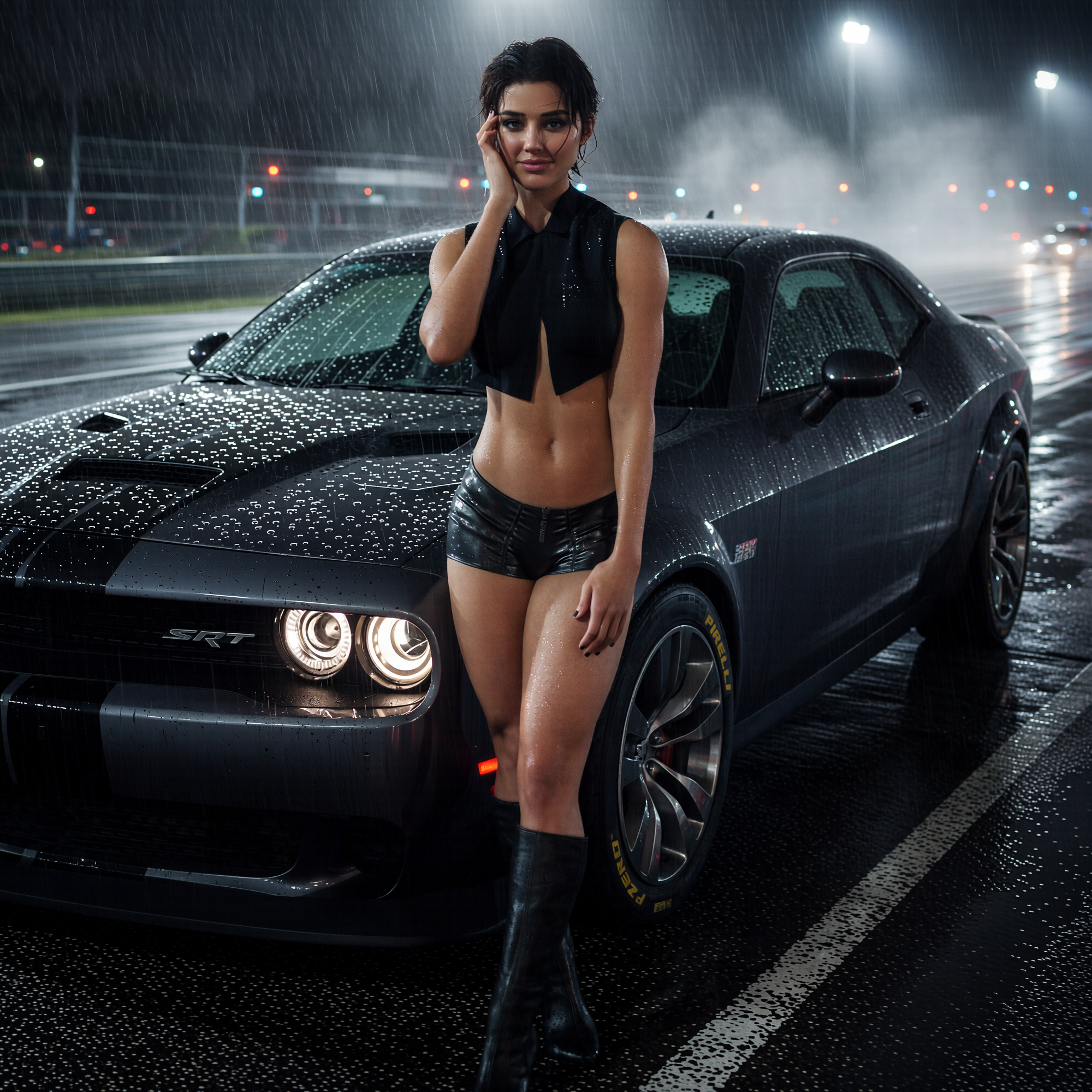
"Midnight at the Track". I'm having too much fun with AIRE right now so I had to do one more. I used AIRE v1.2.1. in IRAY Render mode, Quality - 60 seconds, Mode was "Rain". Directorial Input - "The car is parked on a drag strip at a race track. It is nighttime and the race track is lit up with bright lights. She is smiling slightly. The car's color is dark gray. background is just out of focus." Ran at 2000 x 2000 pixels (Ultra), Preserve Framing - ON, Photorealism - ON, Guidance Strength - 1.0. Render took approx. 5 minutes.
For some reason the AI kept wanting to register the car as like midnight blue about 50% of the time so I had to explicitly tell it that it was dark gray. Also, even though the character is using a 75% simple smile expression, it was having a little trouble registering that on this particular image, so again I had to use directorial input to fix that. I will say that using AIRE for those rain scenes is so much nicer than having to try and simulate it all using wet skin shaders, wet hair, some form of rain decals in-render or else adding it in Photoshop...the ground puddles, etc.
Here is the source IRAY Render.
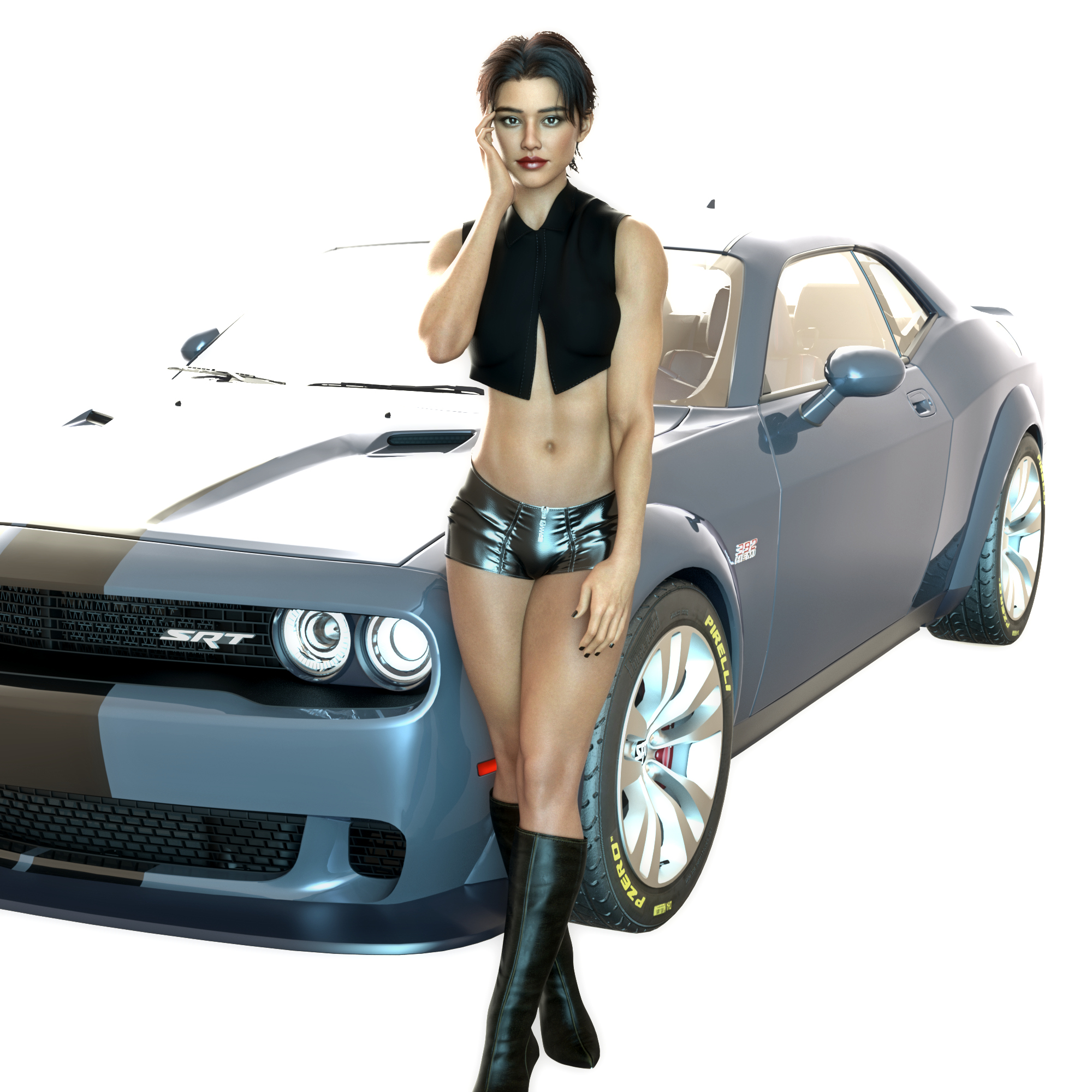
The The Dodge Challenger SRT Hellcat used in the image is in the marketplace here: https://www.renderhub.com/gregorycreations/dodge-challenger-srt-hellcat-widebody
My Gallery link: https://www.renderhub.com/gallery/104396/midnight-at-the-track
My chosen product: https://www.renderhub.com/dreamlight/cinematic-haunted-amusement-park-60-backgrounds-daz
For some reason the AI kept wanting to register the car as like midnight blue about 50% of the time so I had to explicitly tell it that it was dark gray. Also, even though the character is using a 75% simple smile expression, it was having a little trouble registering that on this particular image, so again I had to use directorial input to fix that. I will say that using AIRE for those rain scenes is so much nicer than having to try and simulate it all using wet skin shaders, wet hair, some form of rain decals in-render or else adding it in Photoshop...the ground puddles, etc.
Here is the source IRAY Render.
The The Dodge Challenger SRT Hellcat used in the image is in the marketplace here: https://www.renderhub.com/gregorycreations/dodge-challenger-srt-hellcat-widebody
My Gallery link: https://www.renderhub.com/gallery/104396/midnight-at-the-track
My chosen product: https://www.renderhub.com/dreamlight/cinematic-haunted-amusement-park-60-backgrounds-daz
REPLY
! REPORT
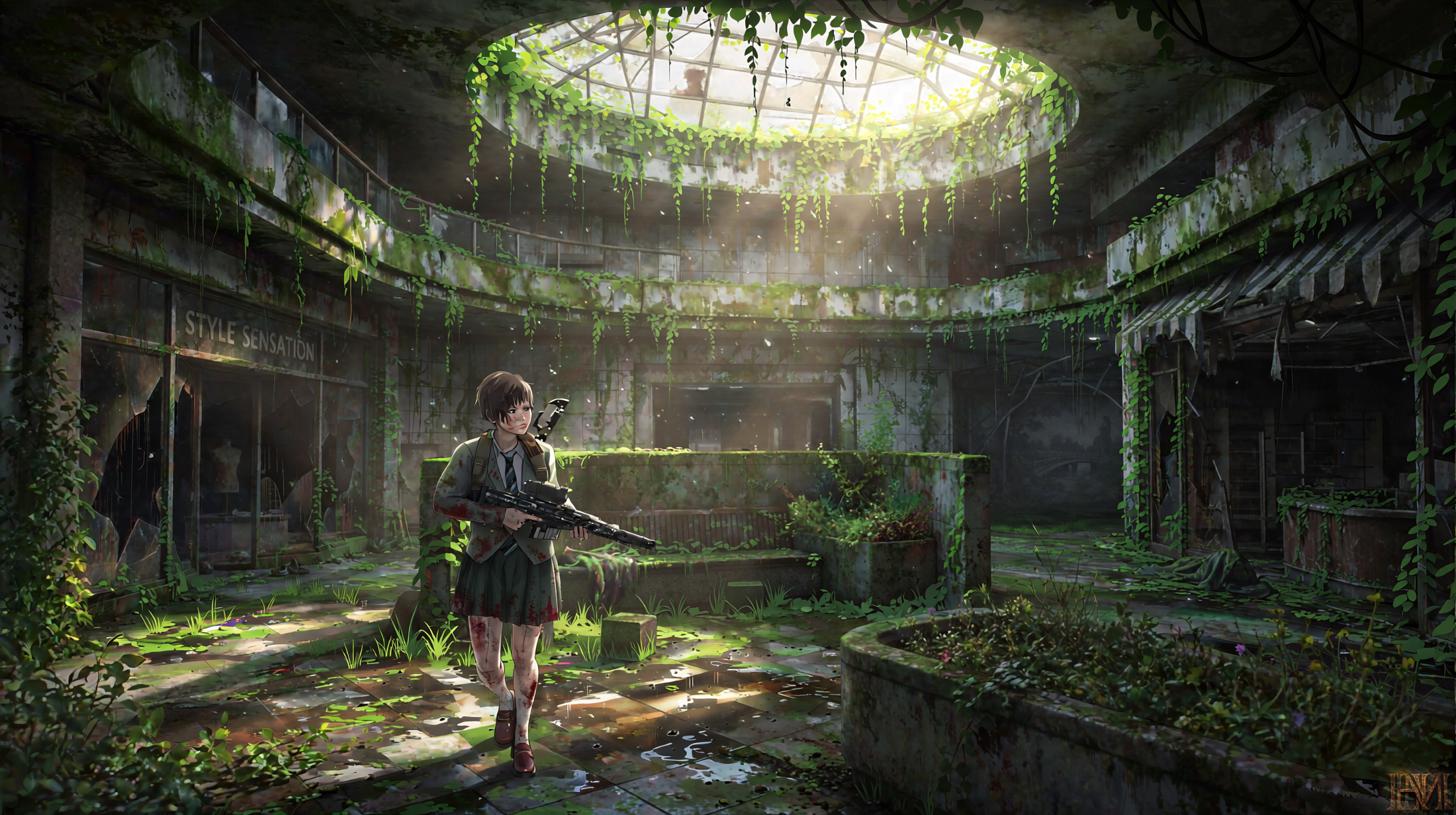
Link to Gallery: https://www.renderhub.com/gallery/104457/the-mall
Dreamlight item: https://www.renderhub.com/dreamlight/still-standing
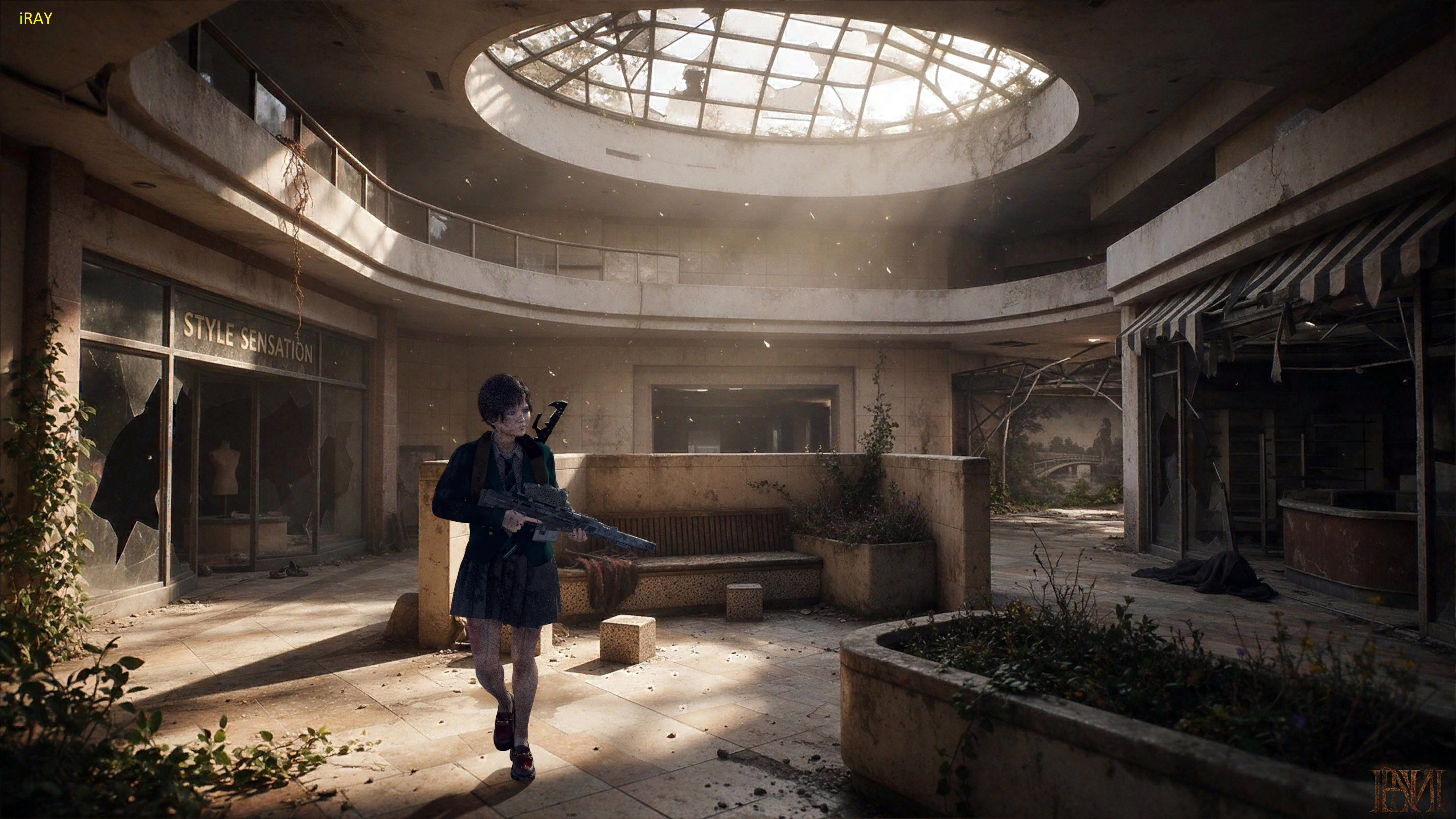
----- "THE MALL" -----
AIRE 1.2, IRAY Quality, Anime Style, Guidance Strength 1.50 + Creative Direction.
iRay render
Dreamlight item: https://www.renderhub.com/dreamlight/still-standing
----- "THE MALL" -----
AIRE 1.2, IRAY Quality, Anime Style, Guidance Strength 1.50 + Creative Direction.
iRay render
REPLY
! REPORT
FraxuredDreamz
Karma: 1,256
6 Hours agoI really like the animation style on this, and even the setup of the original render is impeccable in how you blended the model with the background. Great work!